Remove Attachments
Attachments can be removed from service requests in the Trimble Unity mobile app and then the changes are reflected in Cityworks.
|
|
 PREREQUISITES:
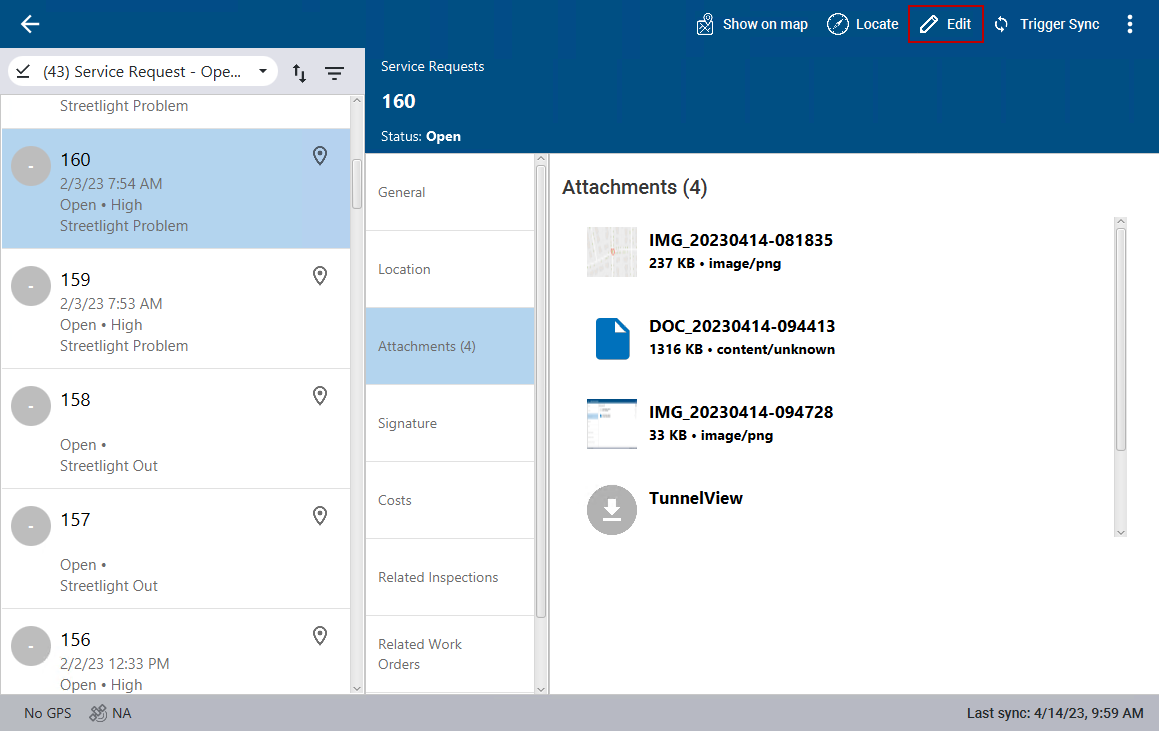
- Select a service request from the list.
The service request details open.
- Click Attachments.
- Click Edit in the top-right corner.
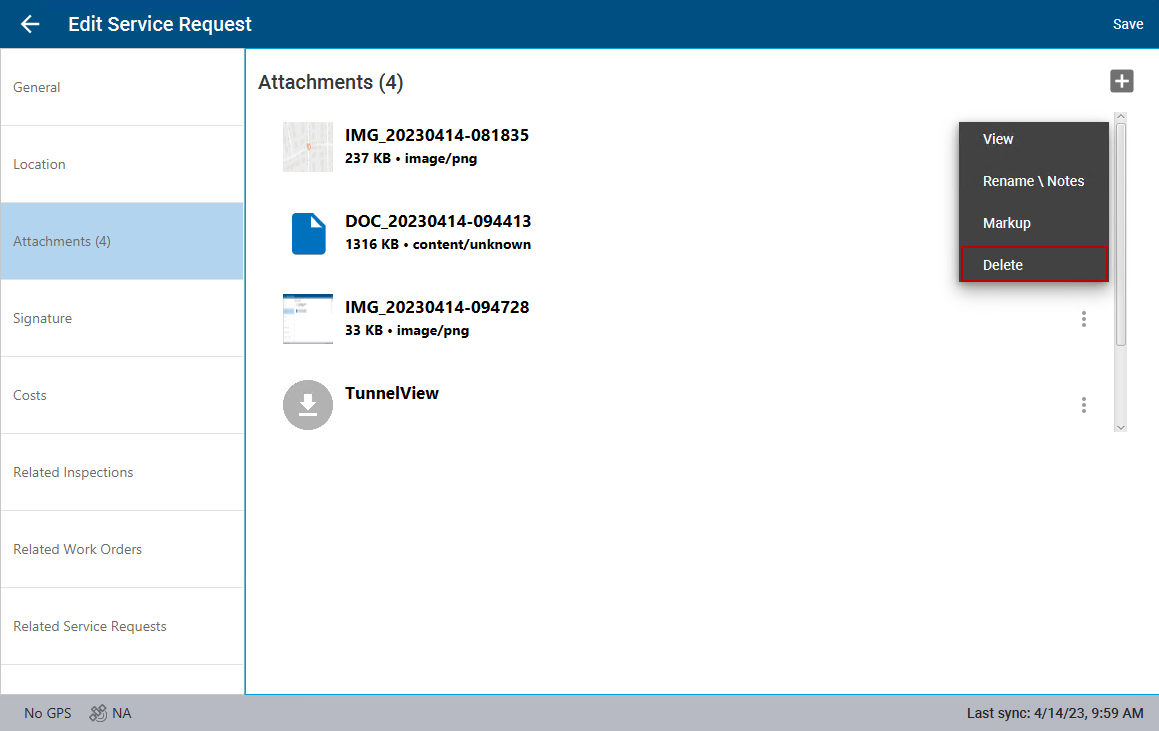
- To the far right of the image or file you want to remove, click the vertical three dots and click Delete.
- Click Save.
The image or file is removed from the service request.