View Related Work Orders
You can view the work orders related to the service request that you are viewing.
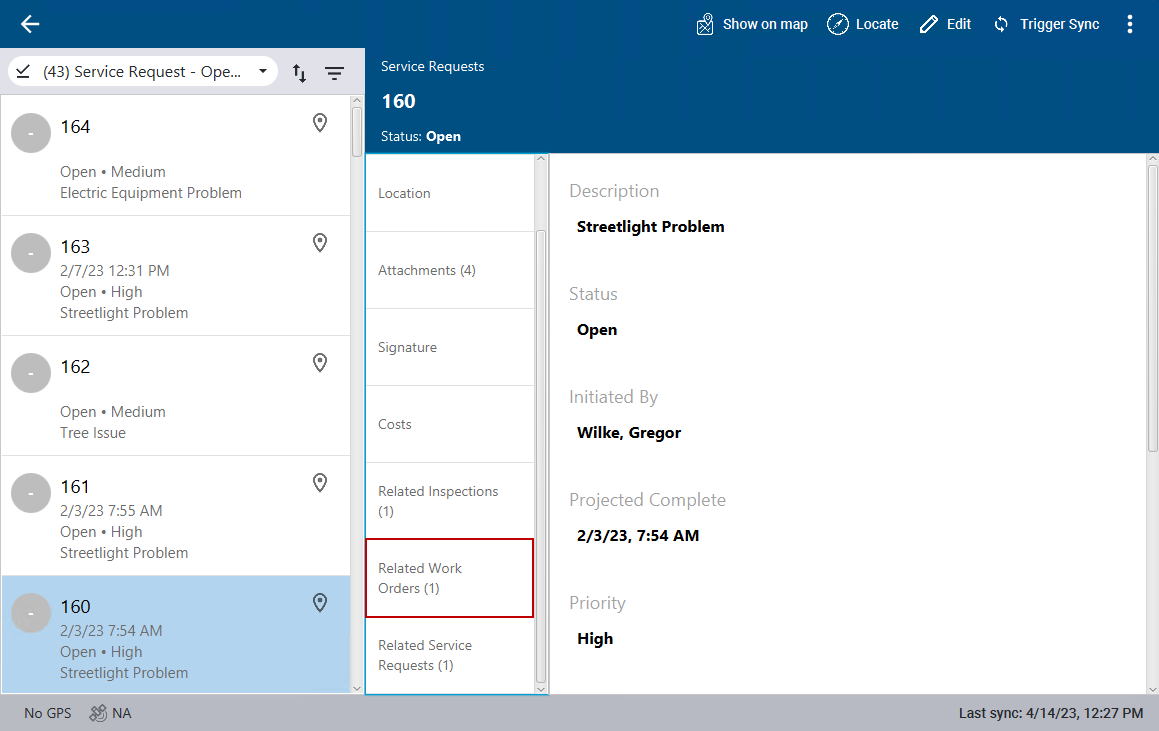
- Select a service request from the list.
The service request details open.
- Click Related Work Orders.
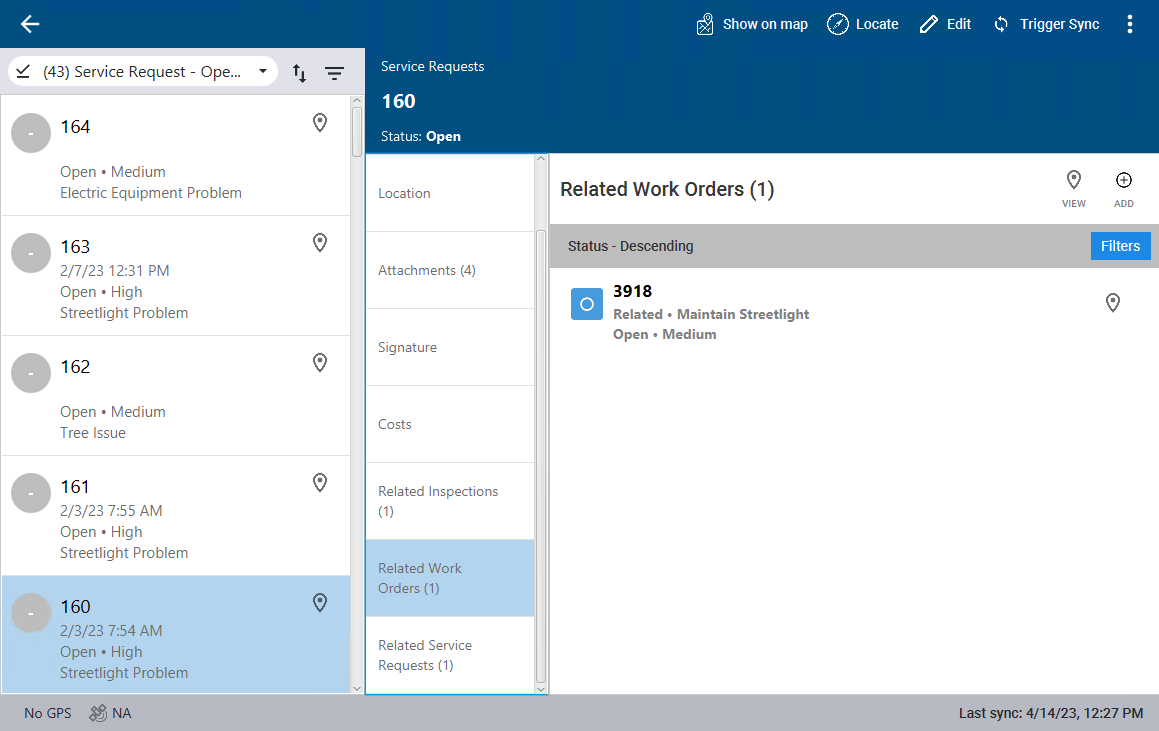
Any related work orders show.
- To view the location of the related work order, click the map pin to the far right of the work order.
- To filter the list of related work orders, click Filters.