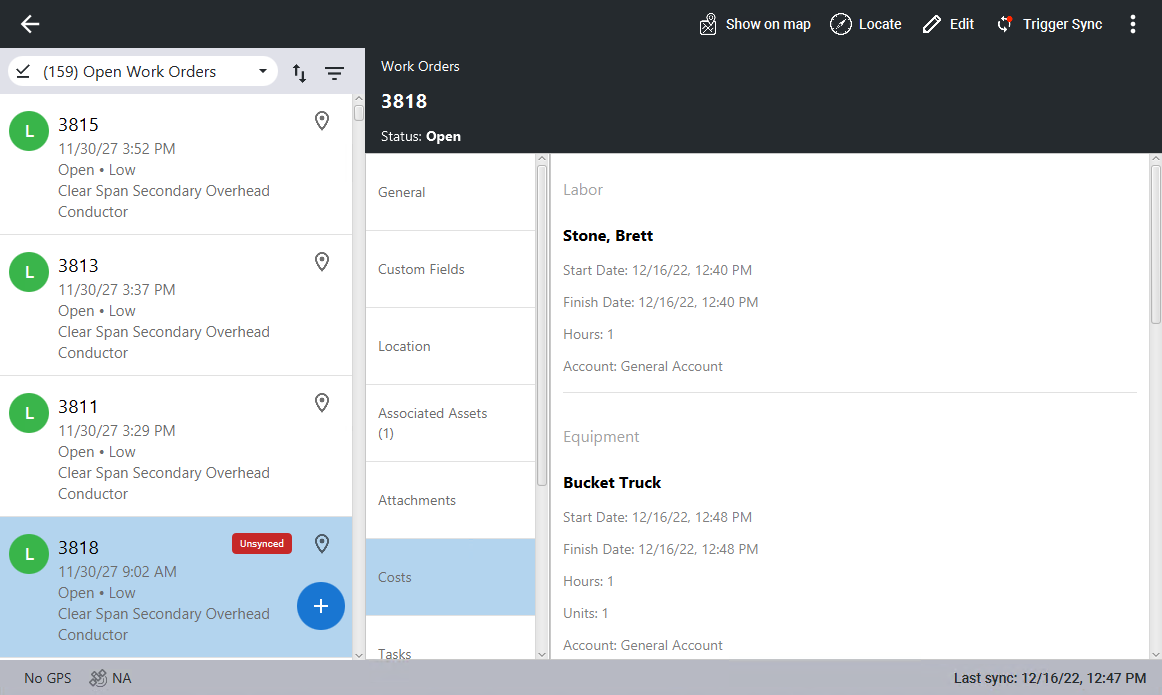
Add Equipment Costs
Equipment can be added to a work order.
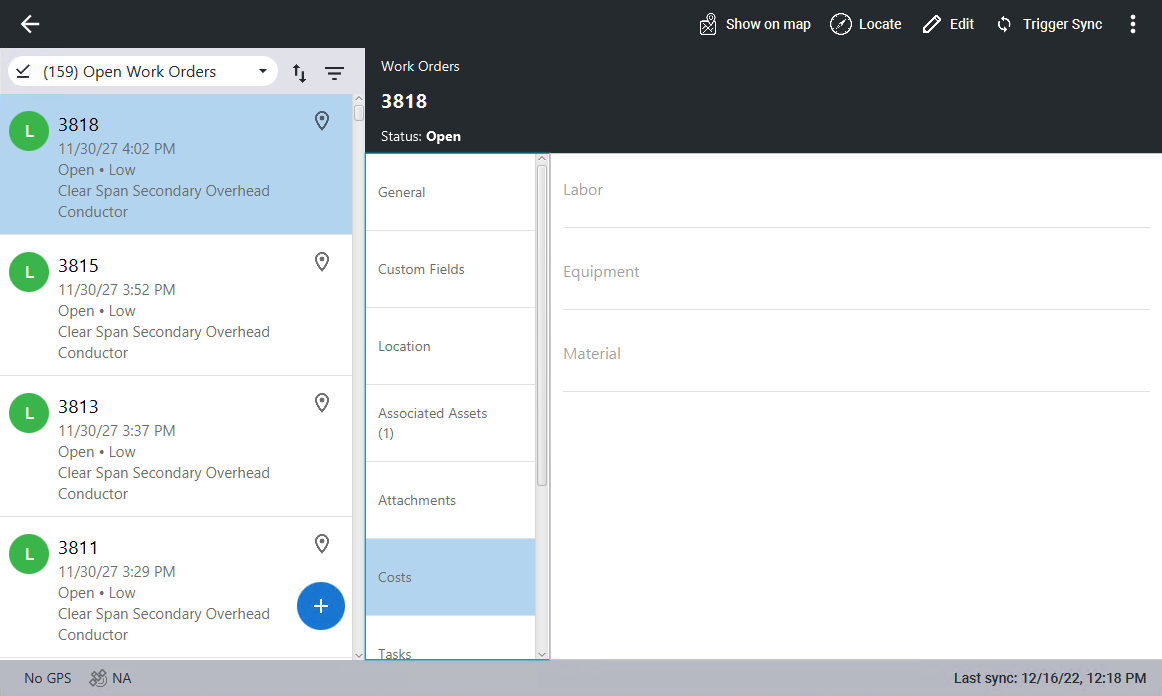
- Click the work order you want to add equipment to.
- Click Costs, then click Edit in the top-right corner. If you are already in edit mode, you don't need to click Edit.
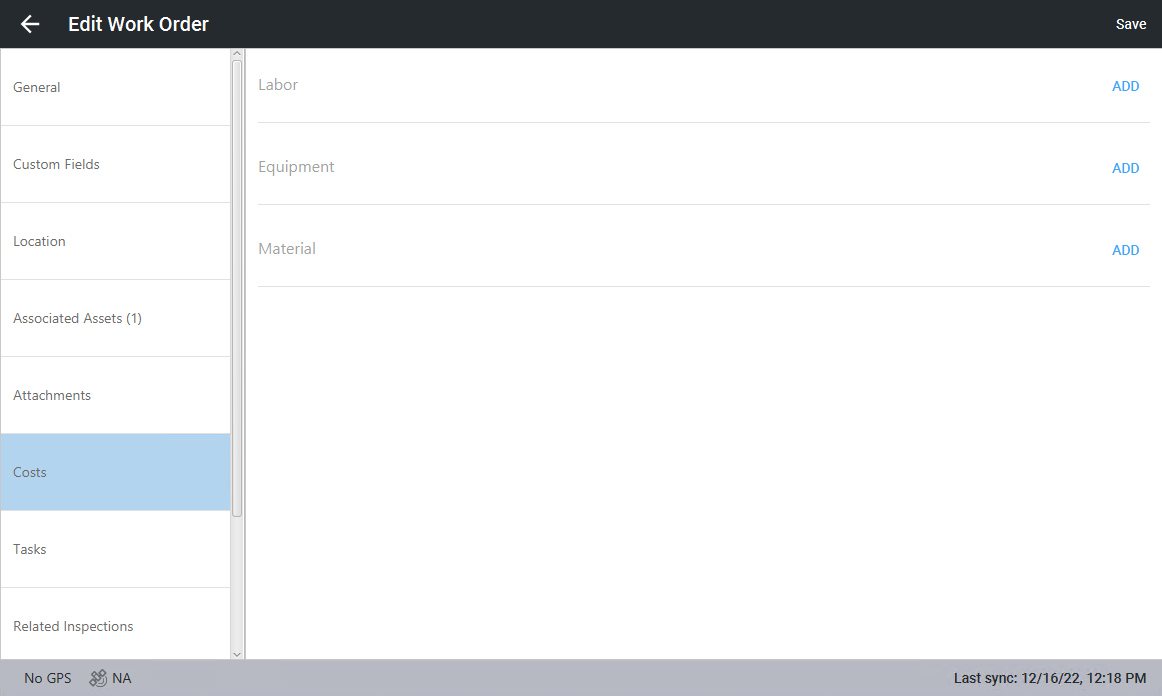
- Click Add in the Equipment section.
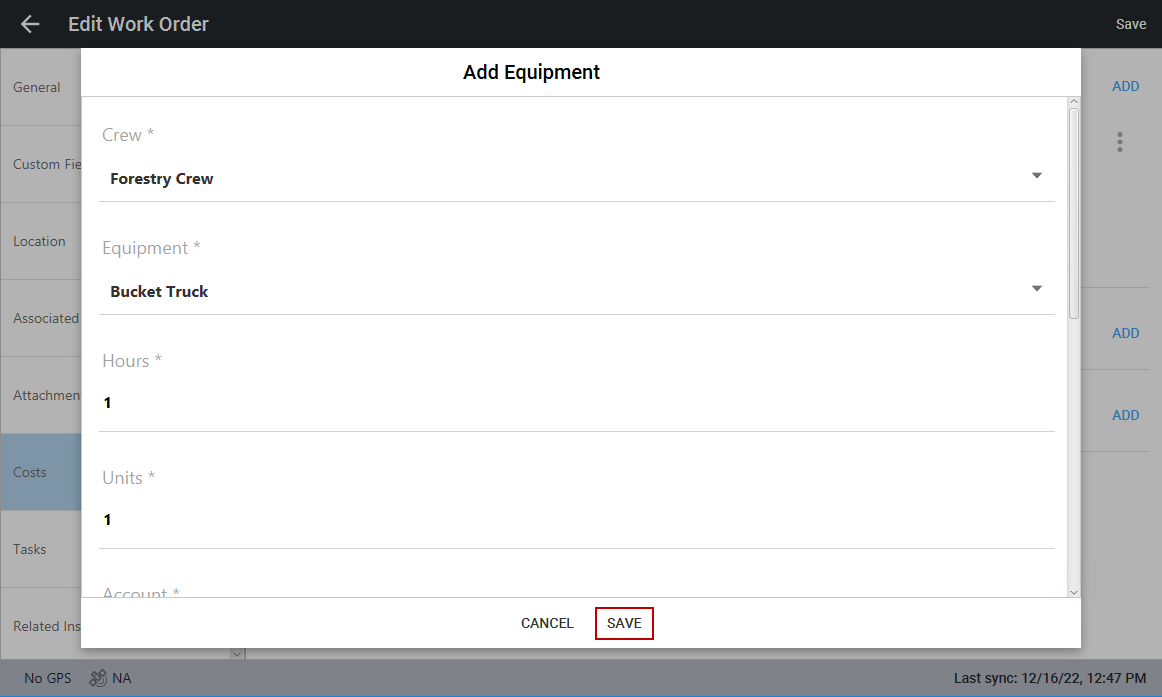
- In the Add Equipment panel, click Crew to select a crew from the panel that opens.
- Click Equipment to select one or more types of equipment you want to add, then click Save.
- Click the Hours field and enter the number of hours the equipment is needed.
- Click the Units field and enter the quantity of the type of equipment that is needed.
- Click Account to select an account from the panel that opens.
- In the Start Date section, click the calendar icon to select the start date, then click the clock icon to select the start time.
- In the Finish Date section, click the calendar icon to select the finish date, then click the clock icon to select the finish time.
- Click the Entity field and select the desired entity, then click Save.
- Click Save at the bottom of the panel.
- Click Save in the top-right corner to save equipment to the work order.
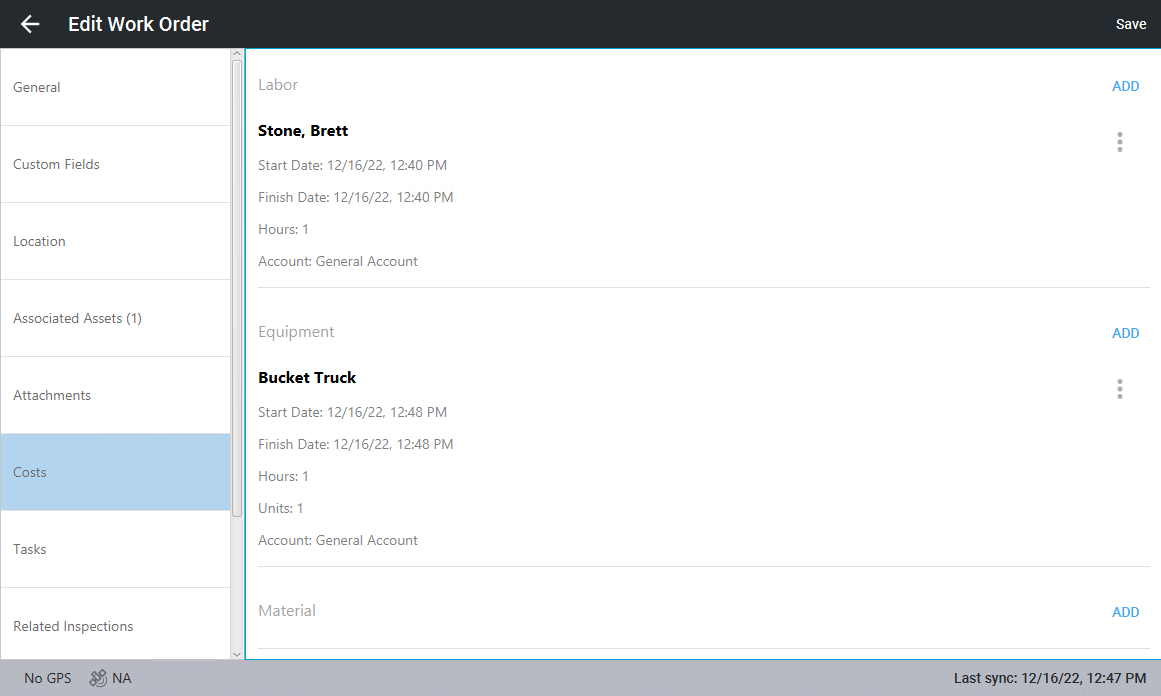
The added equipment appears on the work order.