Complete a Work Order
You can complete a work order from the Trimble Unity mobile app.
- Click a work order to open it.
- Once you have entered all the information on the work order, navigate to the General section.
- Click Edit in the top-right corner. If you are already in edit mode, you don't need to click Edit.
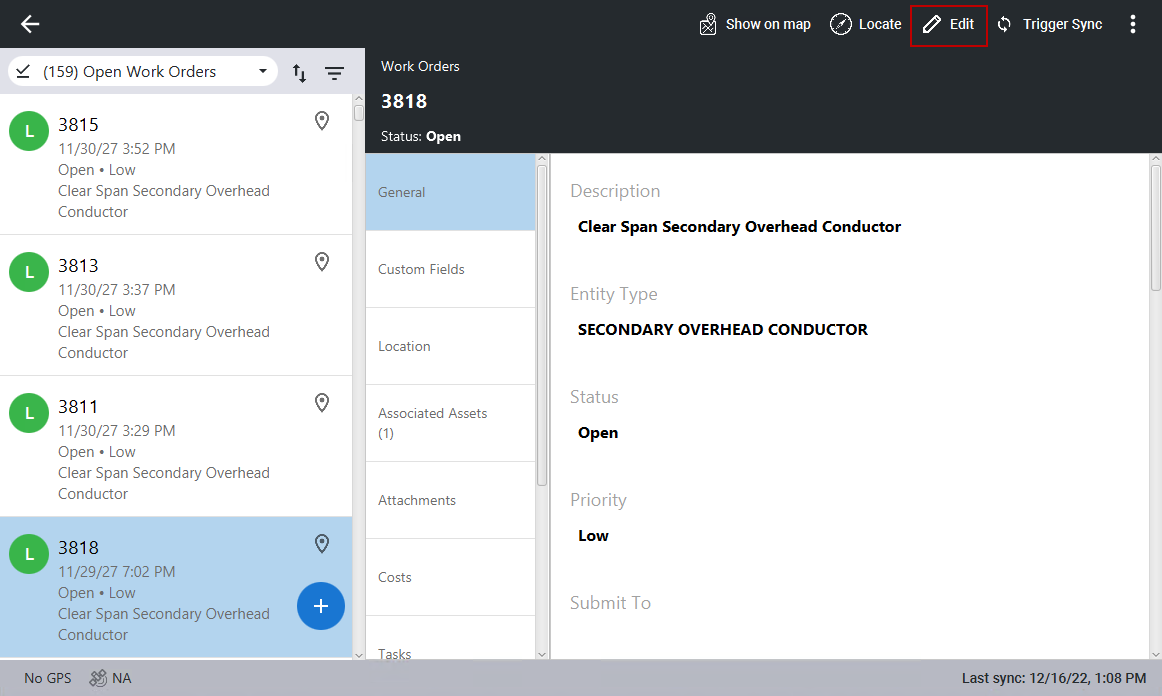
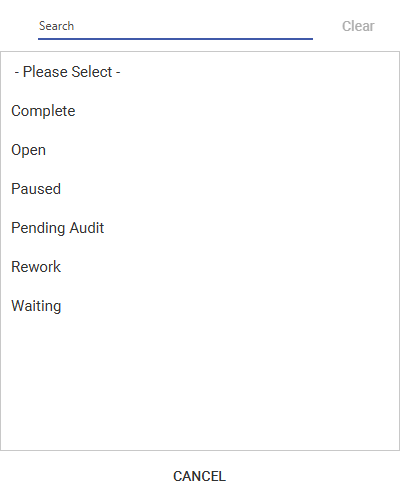
- Click the Status field and double-click Complete from the panel.
 NOTE: Your organization can have a different mobile completion status name configured in Cityworks.
- Click Save.
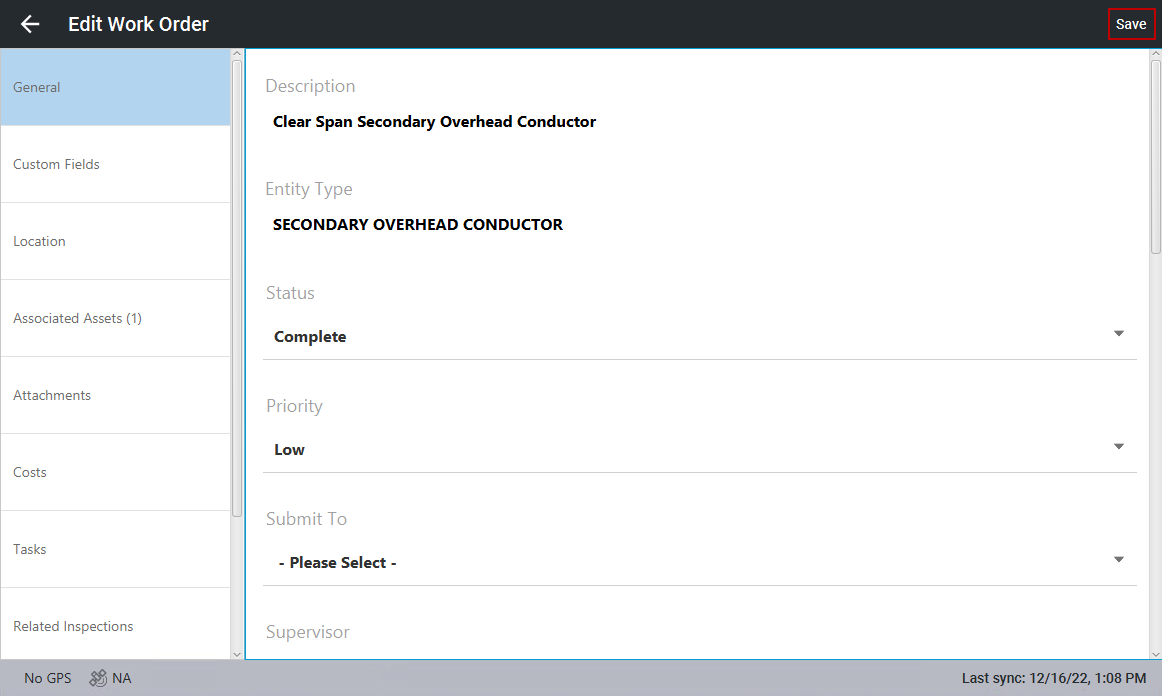
Once you trigger a sync, the list of work orders is automatically updated.