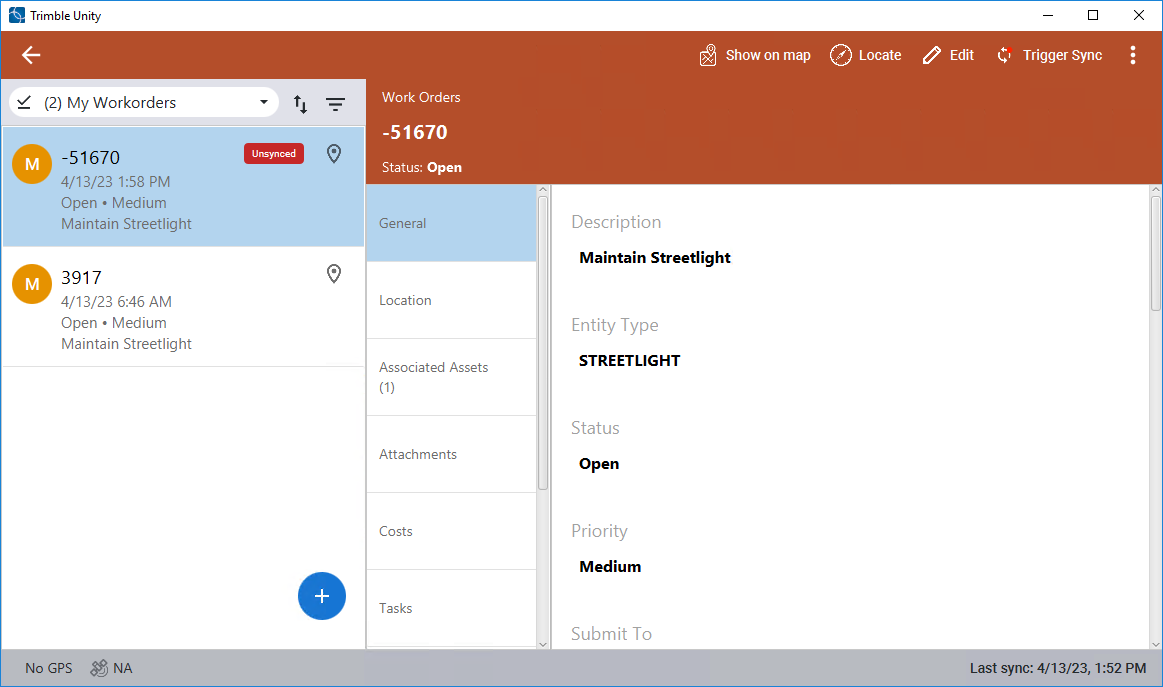
Create a Work Order
Work orders can be created from the Trimble Unity mobile app.
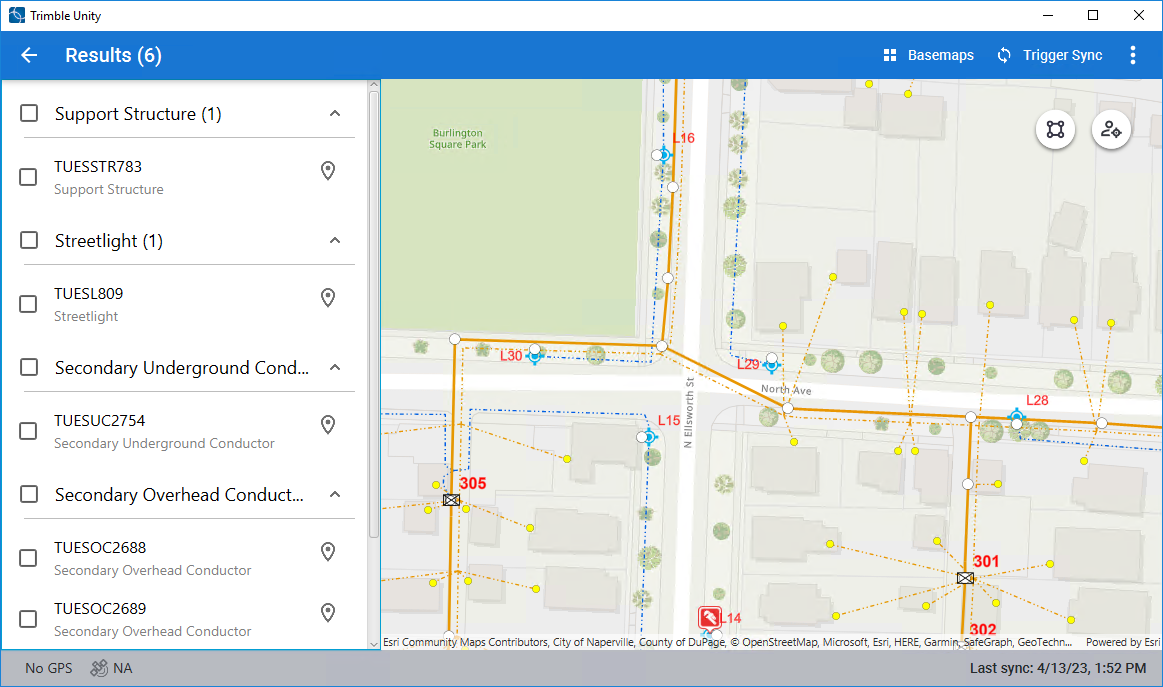
- Select the asset on the map.
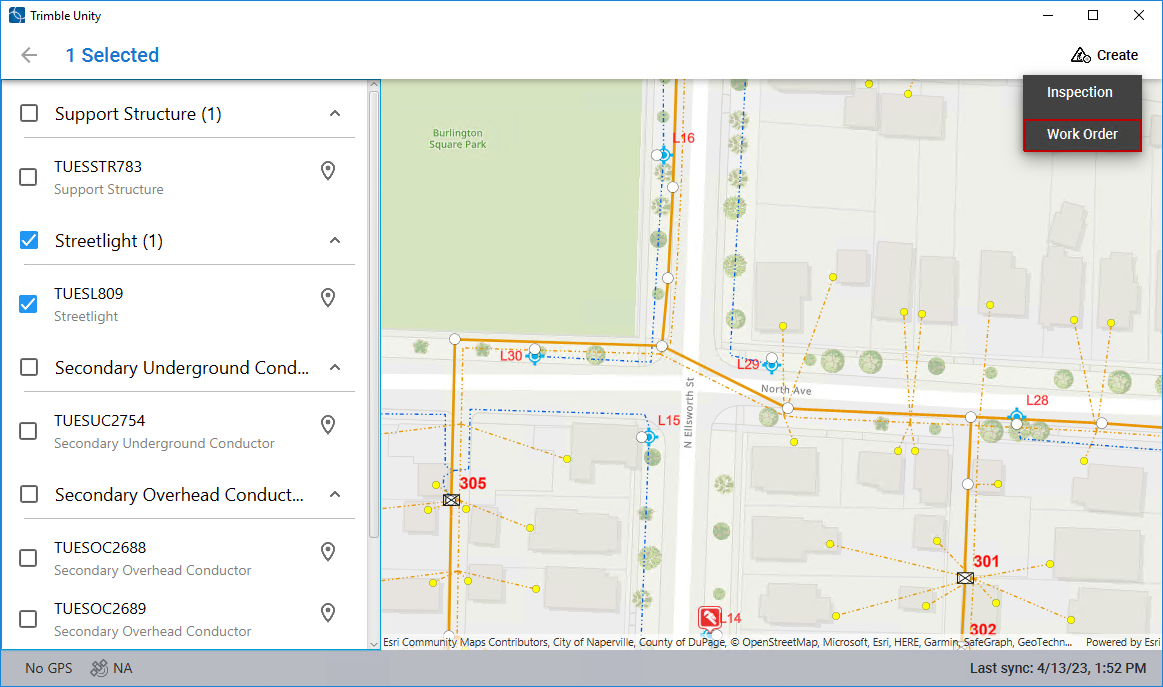
- In the Results list, select the desired asset. If multiple assets are selected, they will all be attached to one work order.
- Click Create and click Work Order.
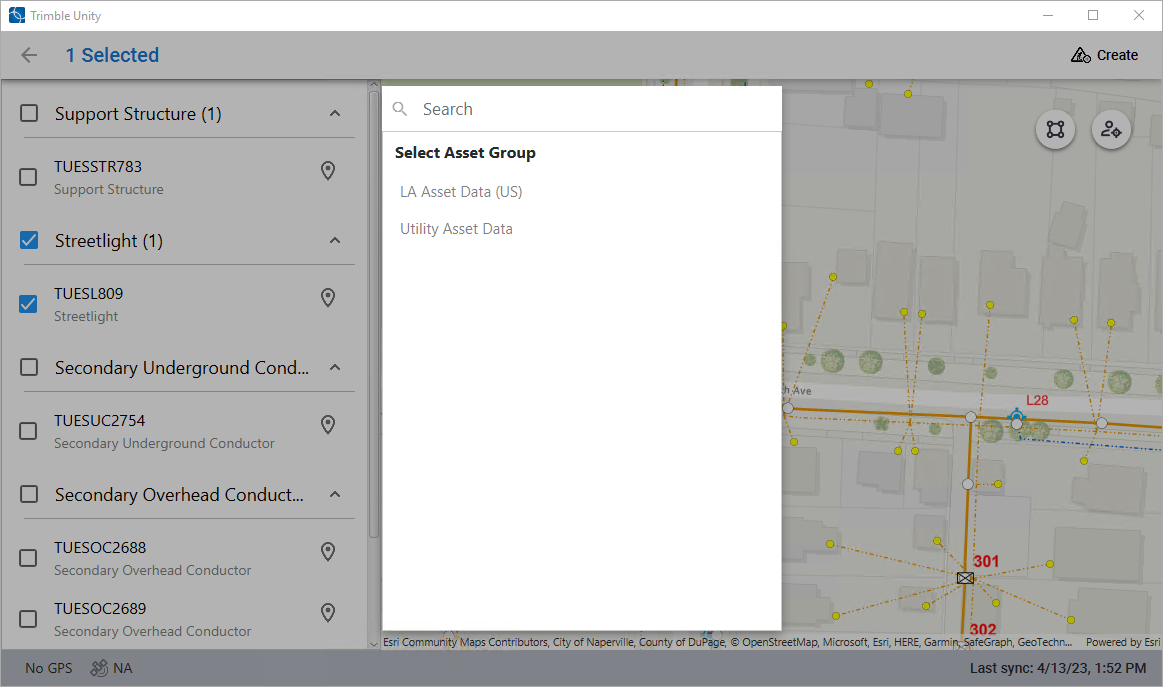
- Select the asset group.
- Select the asset type.
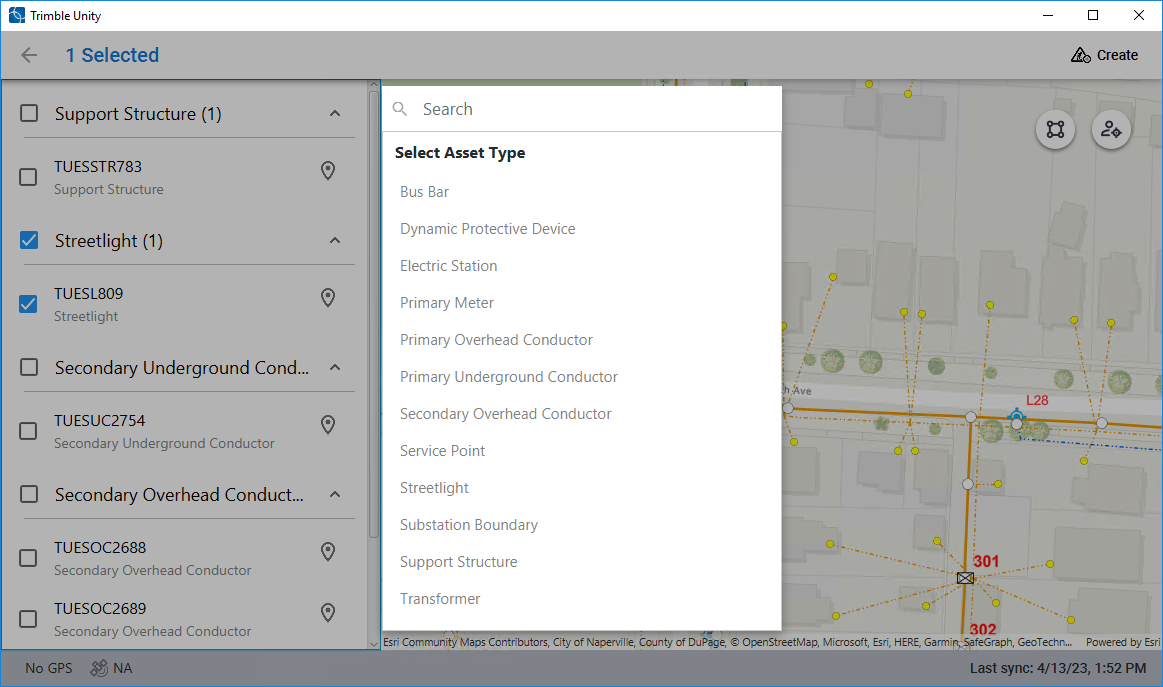
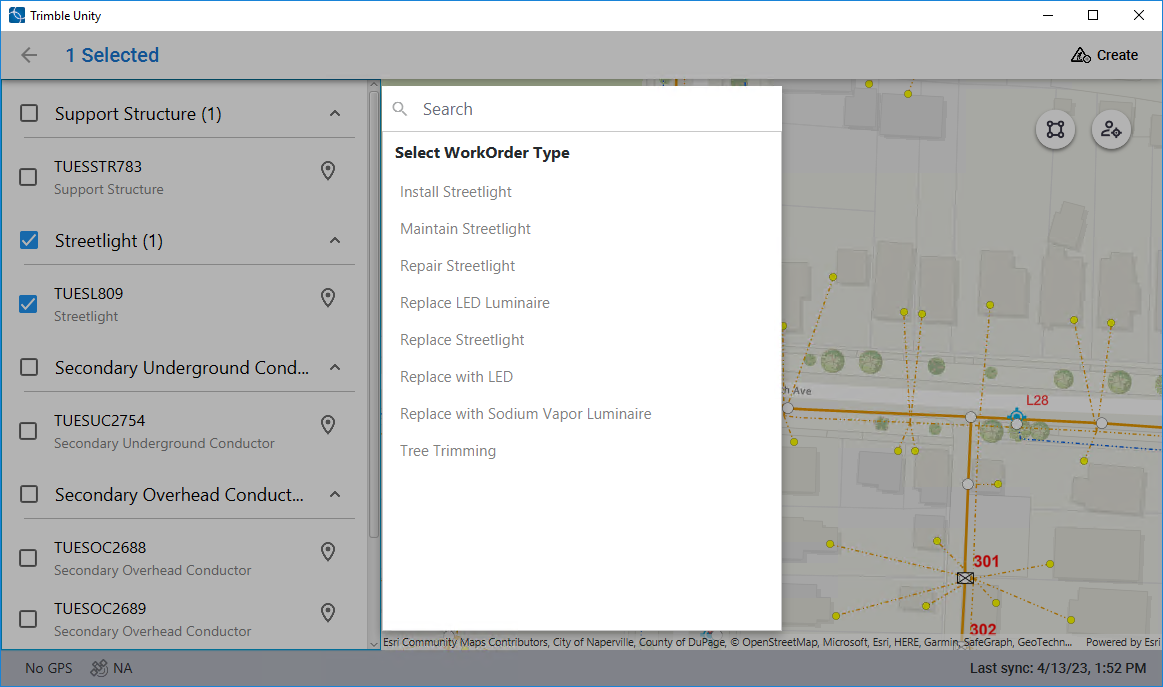
- Select the work order type. This is also known as the work order template.
The work order shows once it is created. Some fields are automatically populated based on the selected work order template.
- Enter any work order information and click Save.
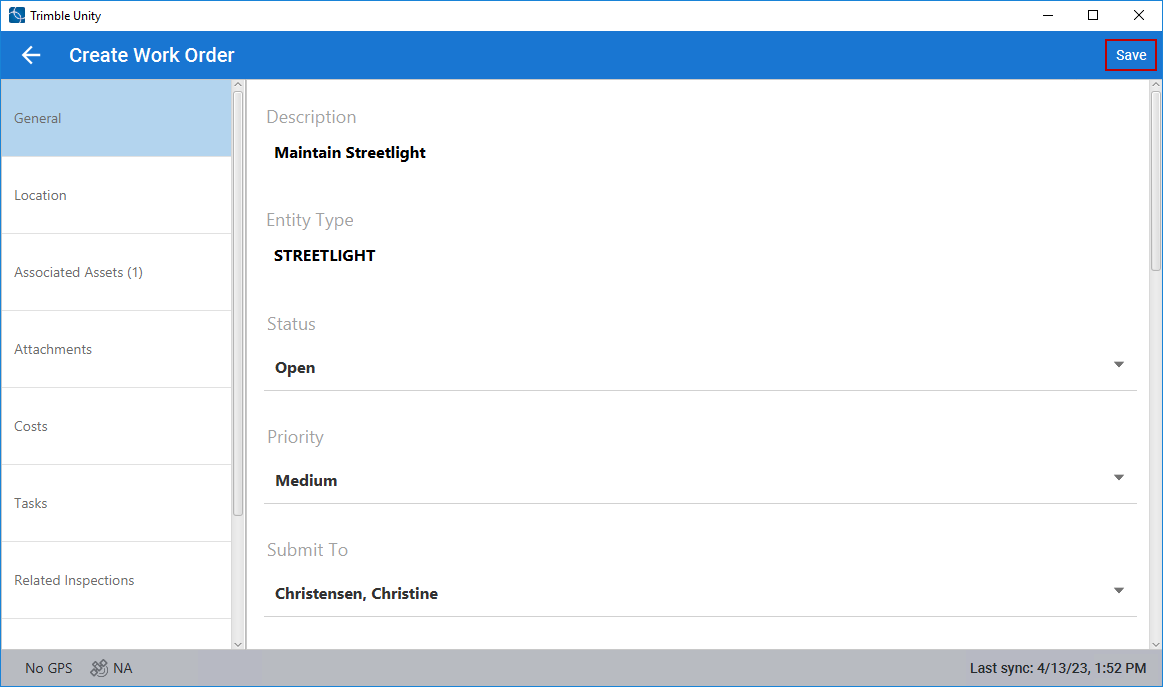
The work order is unsynced.
- Click Trigger Sync to sync the work order.