Locate Assets
You can view the assets attached to a work order from the Trimble Unity mobile app.
- Click a work order to open it.
- Click Location.
The location details show.
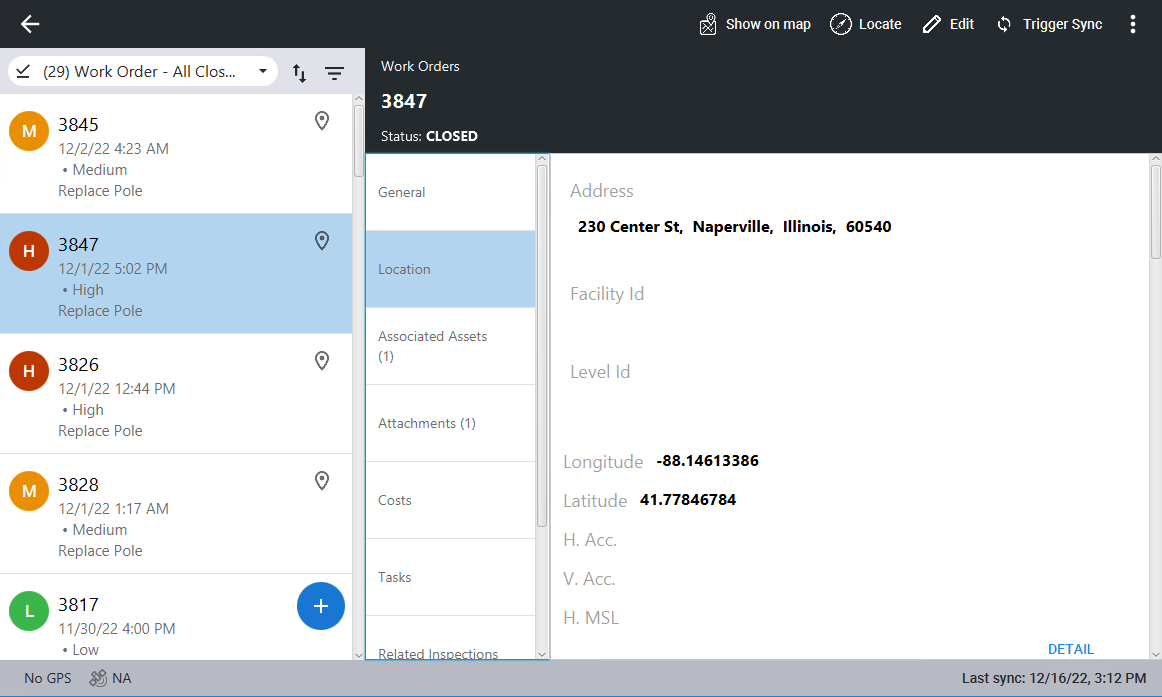
- Click Detail to see more asset information.
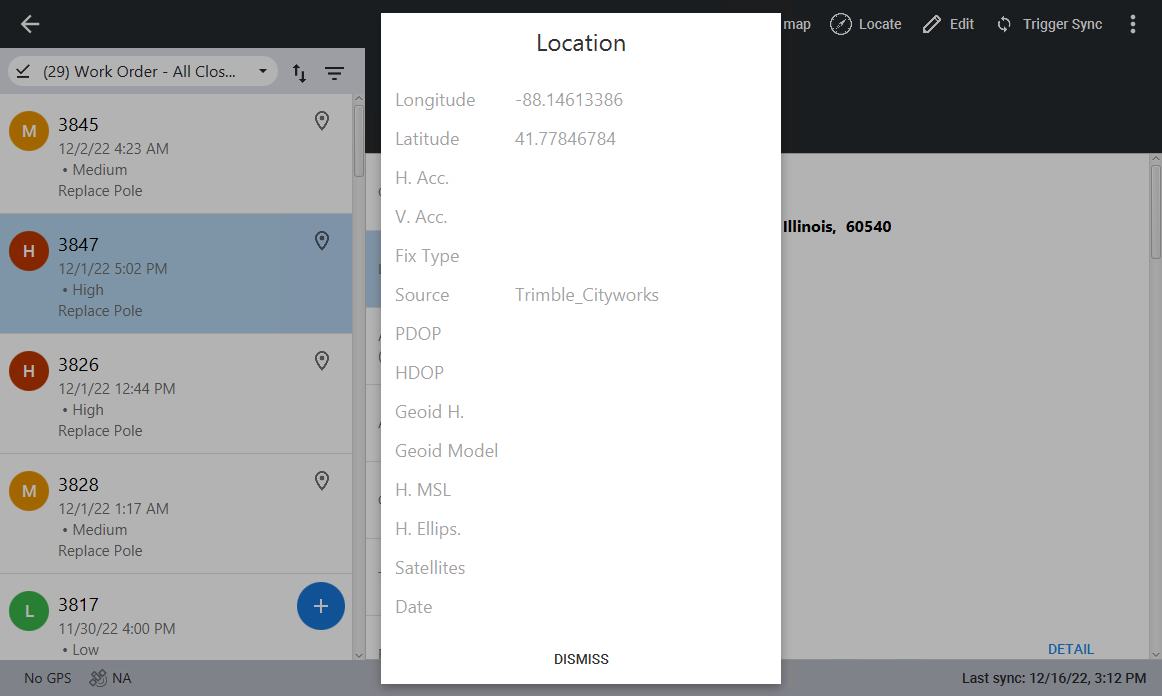
- Click Dismiss to close the location details and return to the work order.