HTML Organization
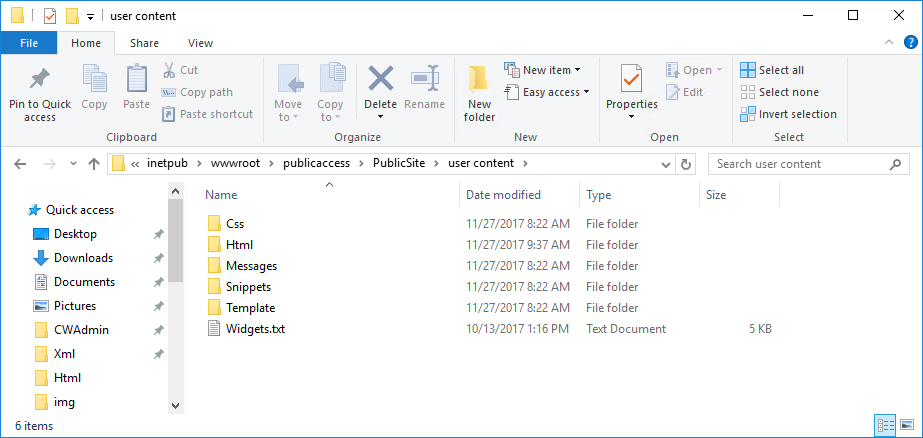
All core HTML files necessary to run Public Access are located in the PublicSite folder: <install drive>\inetpub\wwroot\<name of site install directory>\PublicSite\User Content. Here you will find a number of folders that contain the standard code and settings for Public Access layout.
 IMPORTANT: HTML files should be modified and kept in the User Content folder.
To override the default HTML (for example, modifying the header or home page), copy a file of the same name in the corresponding User Content > HTML folder.
 NOTE: To override the default CSS, place a file of the same name in the corresponding User Content > CSS folder. To override the default messages, place a file of the same name in the corresponding User Content\Messages\Custom folder.