Add eURLs as Portal for ArcGIS Items
You can add eURLs as Portal for ArcGIS items.
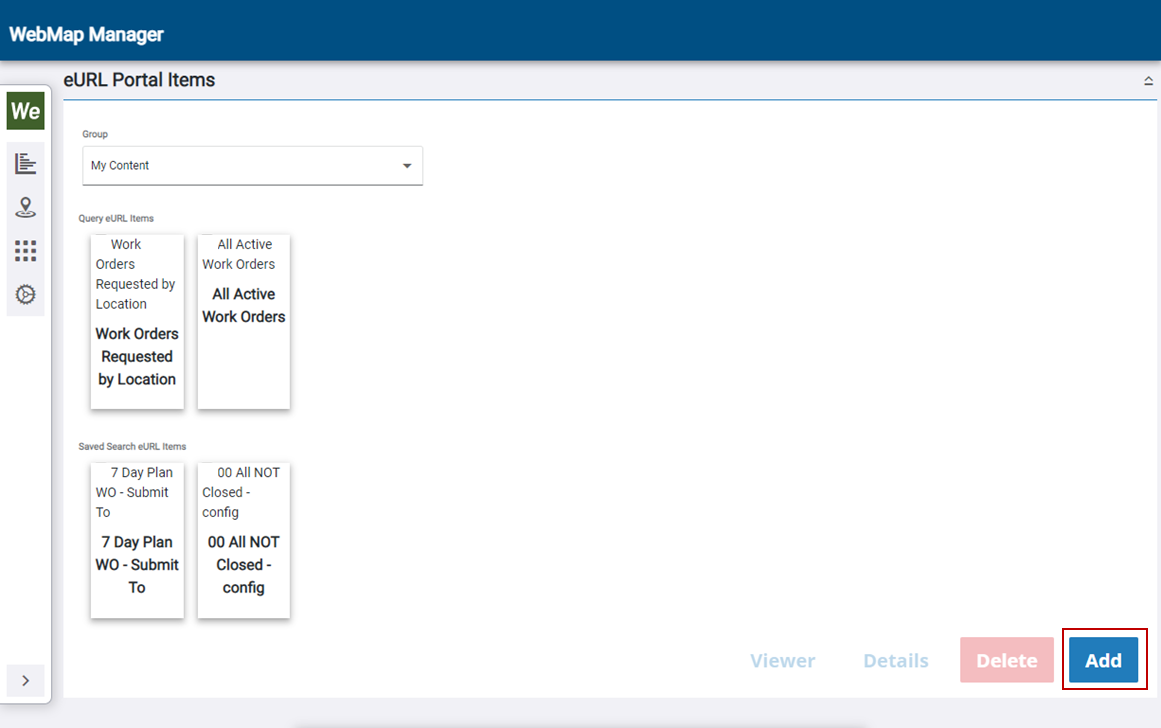
- Click eURL Items from the menu.
- Click Add in the bottom-right corner of the panel.
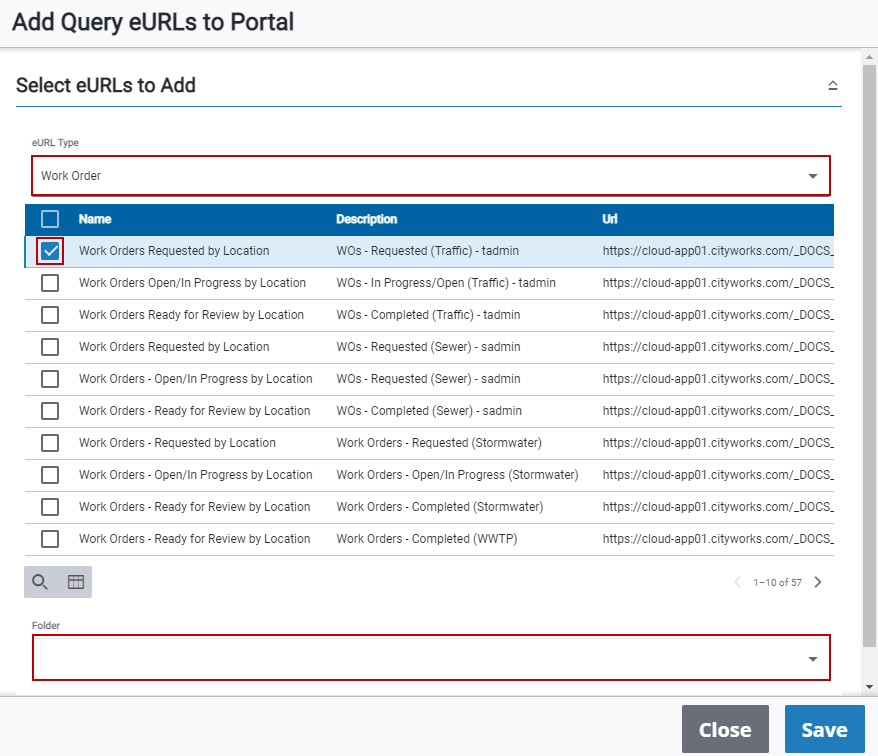
- On the Add Query eURLs to Portal panel, select the eURL Type from the drop-down list.
- Select the check boxes next to the eURLs you want to add, select the Folder within your organization you want to save it to, and update the security in the Shared With drop-down list.
- Click Save.
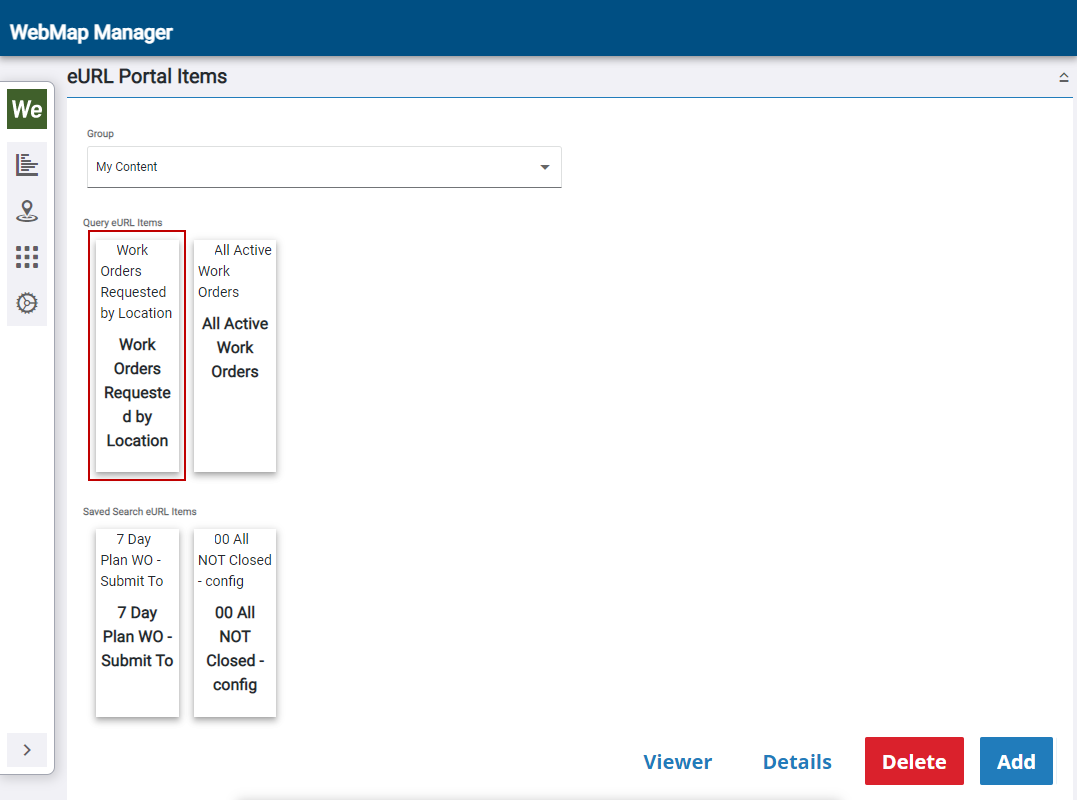
The eURL is now listed as a query eURL item.
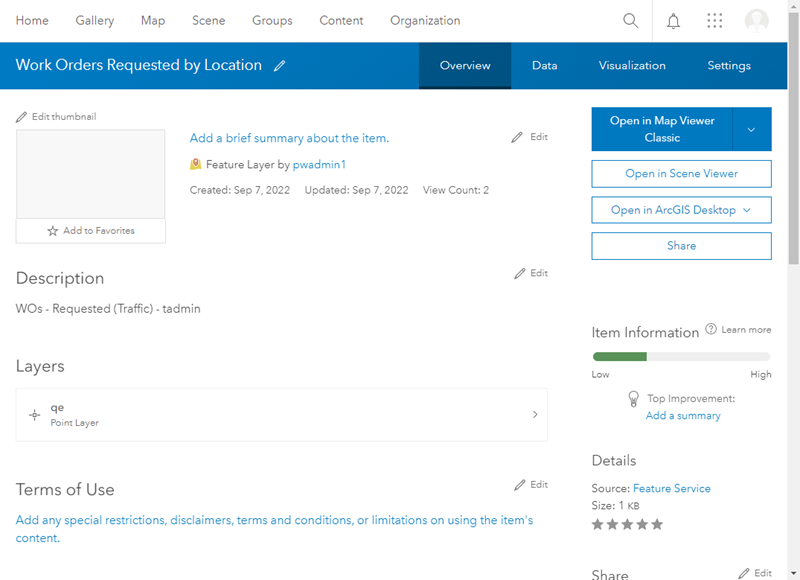
 View Information in ArcGIS Online or Portal for ArcGIS
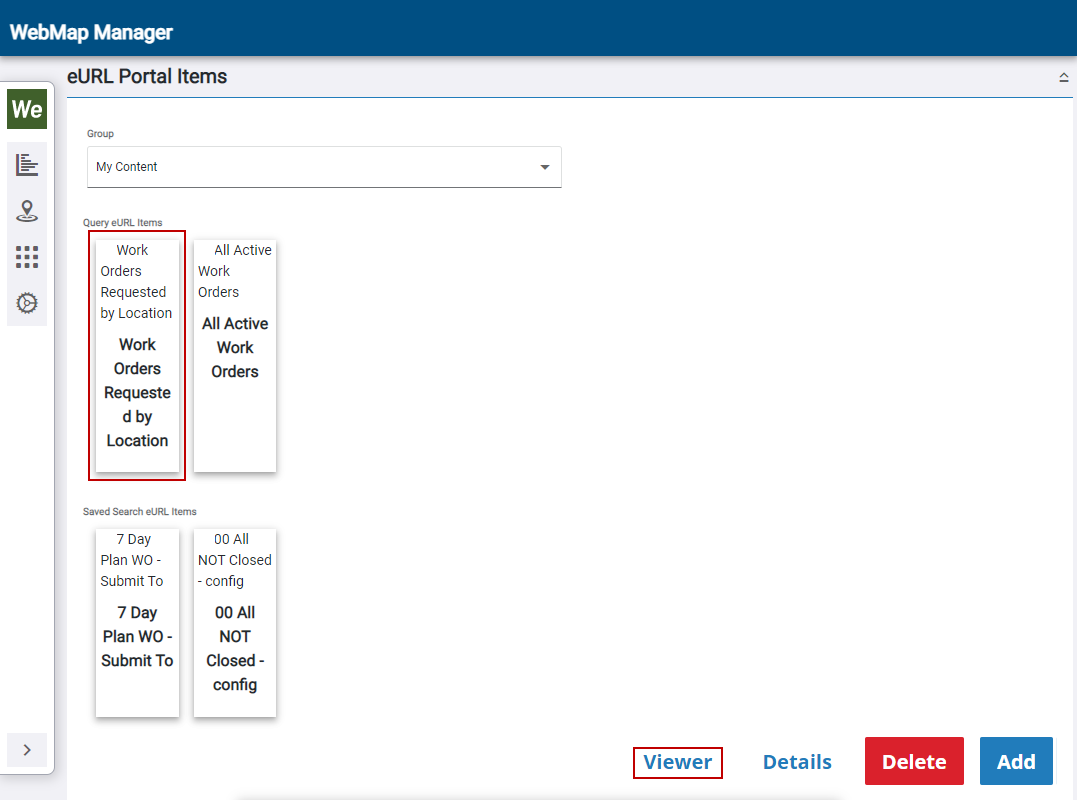
The Viewer and Details buttons open the web map and web map details in ArcGIS Online or Portal for ArcGIS.
- Select an eURL item and click Viewer.
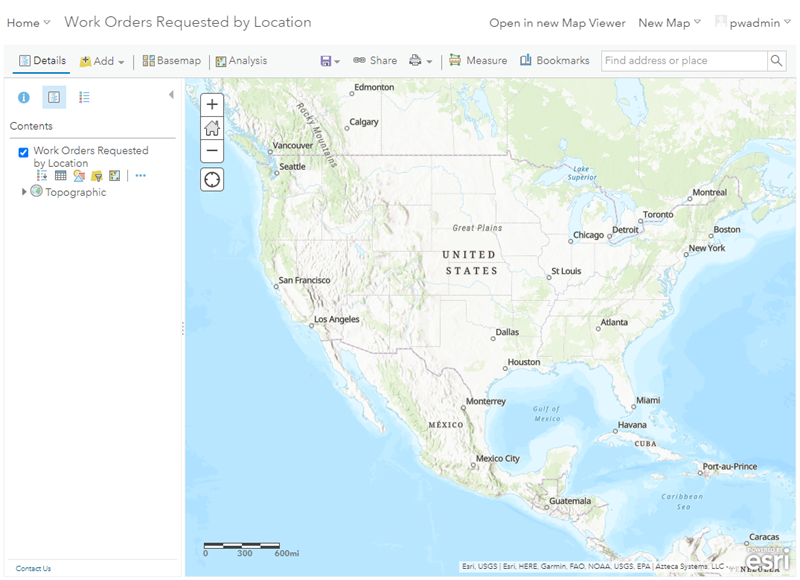
A web map opens in ArcGIS Online or Portal for ArcGIS in a new tab. You can customize the map using the available tools.
- Select an eURL item and click Details.
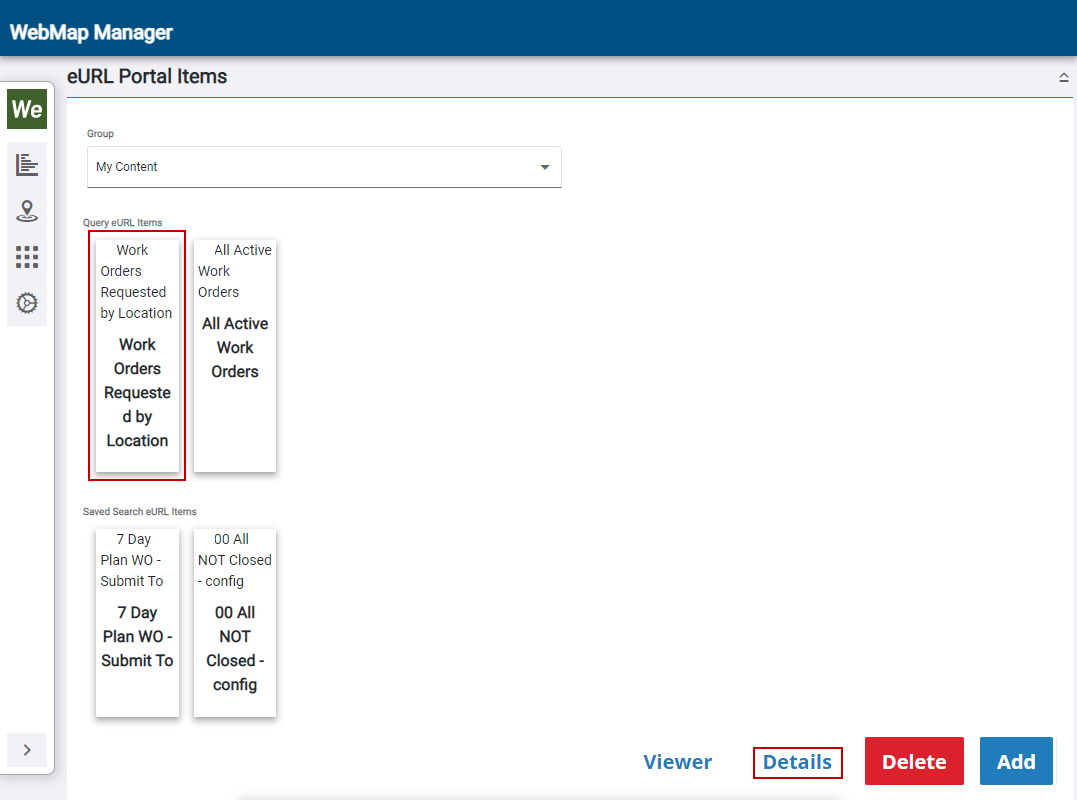
The web map details open in ArcGIS Online or Portal for ArcGIS in a new tab. You can configure the details using the available tools.