Add or Edit Location
Location information can be added or edited for a work order.
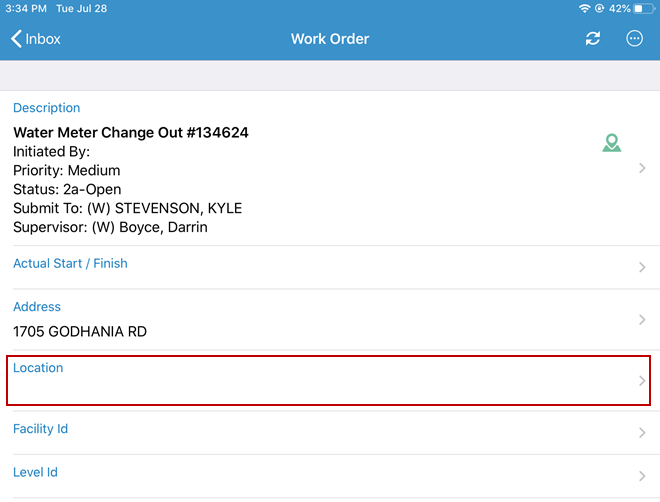
- Open a work order.
- Tap Location.
- Add or edit the location information, then return to the work order to save the changes.
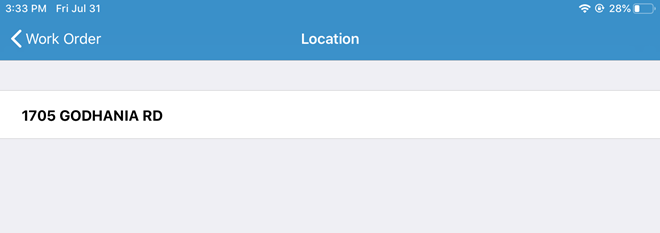
 NOTE: The Location field is tied to the Location Details field on a work order in Office or Tablet.