Search For and Filter Assets
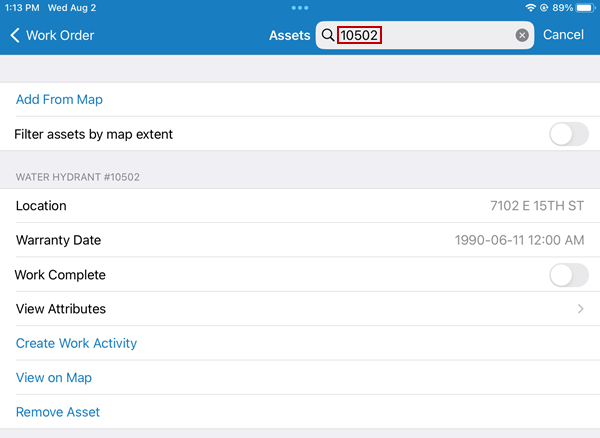
You can search for assets attached to the same work order and filter assets on the map extent.
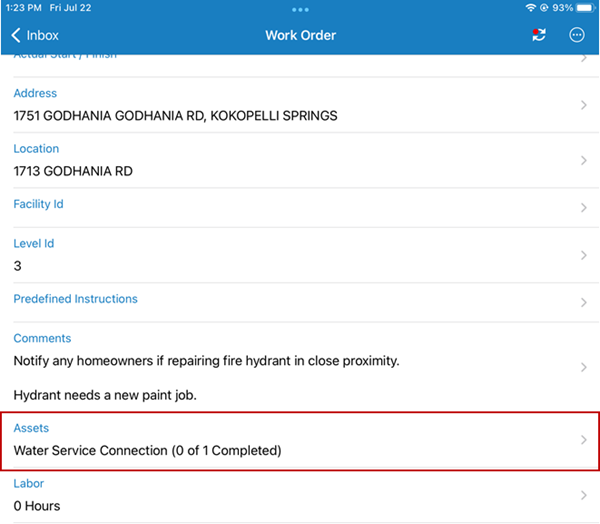
- Open a work order with multiple assets.
-
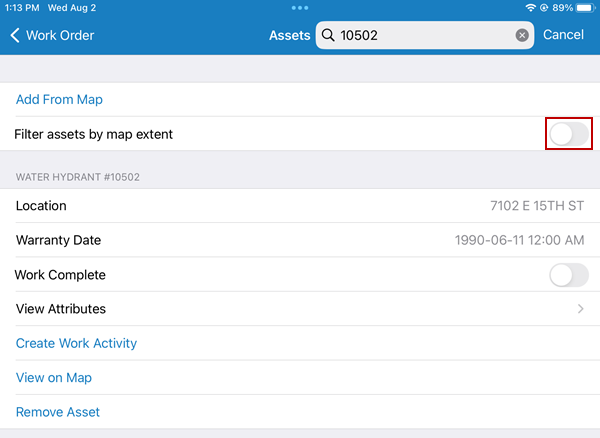
When the map extent is zoomed in or out, only the attached assets found within that extent are listed on the work order.