Edit a Checklist Group
|
|
 PREREQUISITES:
- From the home page, click PLL and click Checklist Setup.
 TIP: You can filter the list of records displayed. See Filter Records for more information.
- On the Checklist Group panel, click Edit on the row that contains the checklist you want to edit.
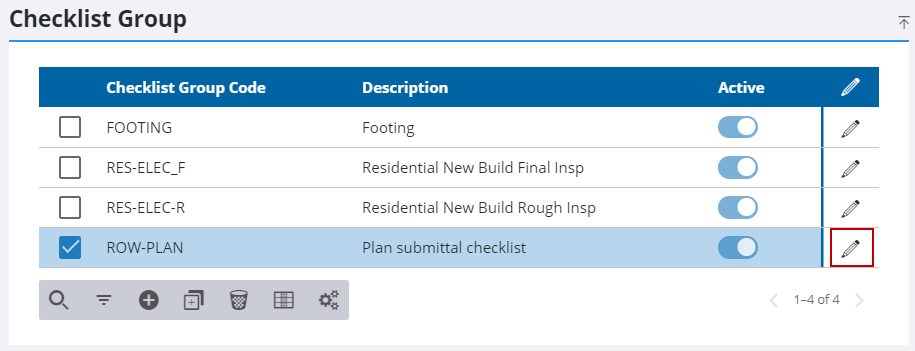
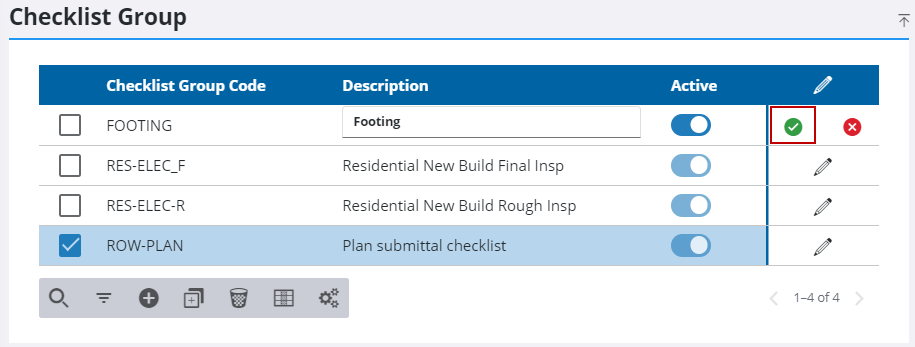
- Edit the Description field if desired.
- Toggle the Active switch if desired.
- Click Save.
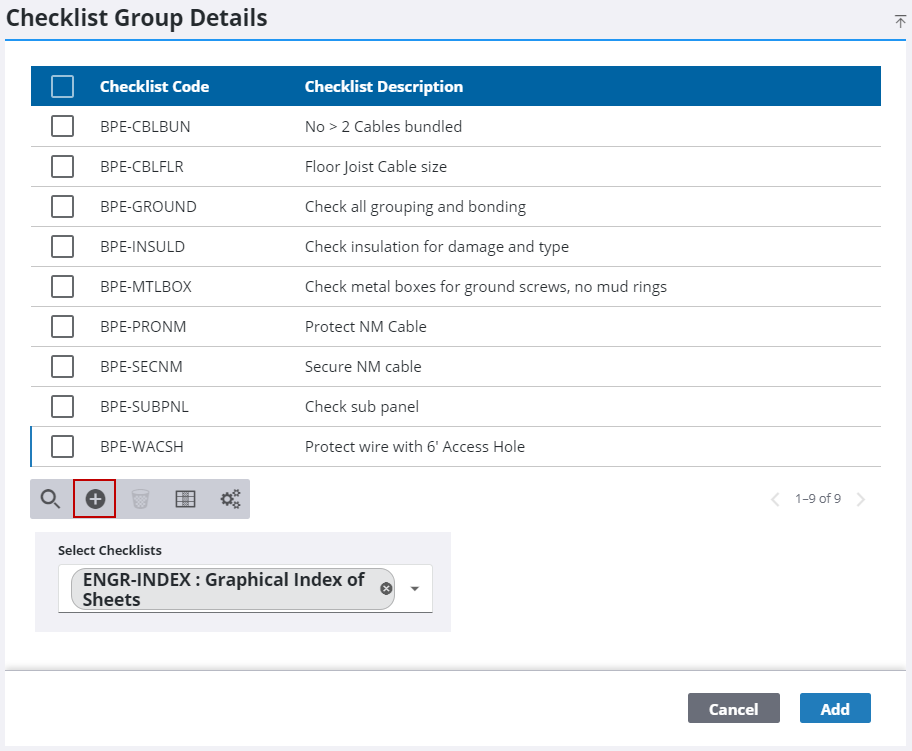
- On the Checklist Group Details panel, click Add record and use the Select Checklists drop-down list to select the checklists you want to add.
- Click Add.
- On the Checklist Group Details panel, select a checklist and click Delete selected records to delete any desired checklists.
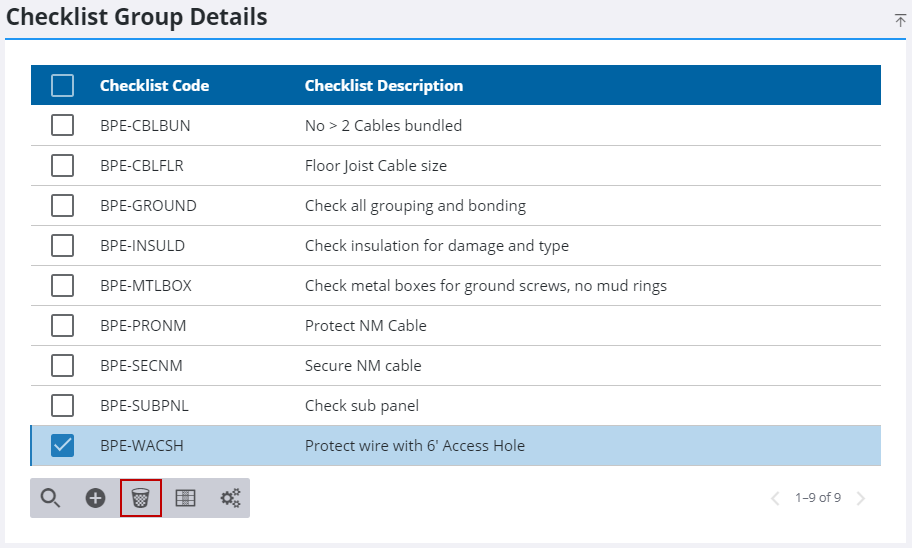
- Click Delete on the Delete Checklist Group Details panel.


