Remove an Expiration Type
 IMPORTANT: Cityworks strongly recommends that you do not remove an expiration type if it has been used on a case because it removes the link in the Cityworks database and leaves orphaned case data. Instead, make the expiration type inactive to preserve the historical data associated with the expiration type.
- From the home page, click PLL and click Expiration Types.
 TIP: You can filter the list of records displayed. See Filter Records for more information.
- Select the check box next to the expiration type you want to remove.
- Turn off Active on the Details panel. This allows you to deactivate the expiration type so it cannot be added to a case template, but it can still be used as a search parameter and is still listed with historical data.
If no historical data is associated with the expiration type, remove it from the Expiration Types panel.
- Select the desired expiration type and click Delete selected records.
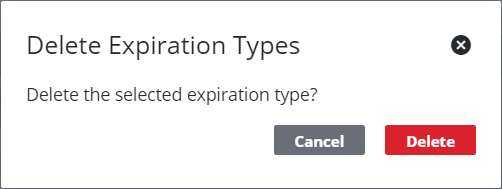
- Click Delete on the Delete Expiration Types panel.