Add an Inspector Day Off
|
|
 PREREQUISITES:
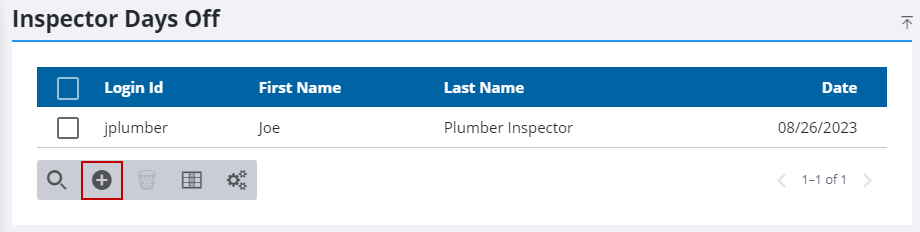
- From the home page, click PLL and click Inspector Days Off.
- On the Inspector Days Off panel, click Add record.
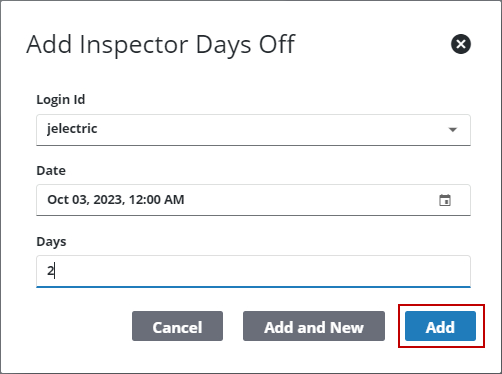
- On the Add Inspector Days Off Panel, select an inspector using the Login Id drop-down list.
- Enter a day using the Date field.
- Enter the number of days using the Days field.
- Click Add.