Clone a Message
|
|
 PREREQUISITES:
- From the home page, click PLL and click Message Board.
 TIP: You can filter the list of records displayed. See Filter Records for more information.
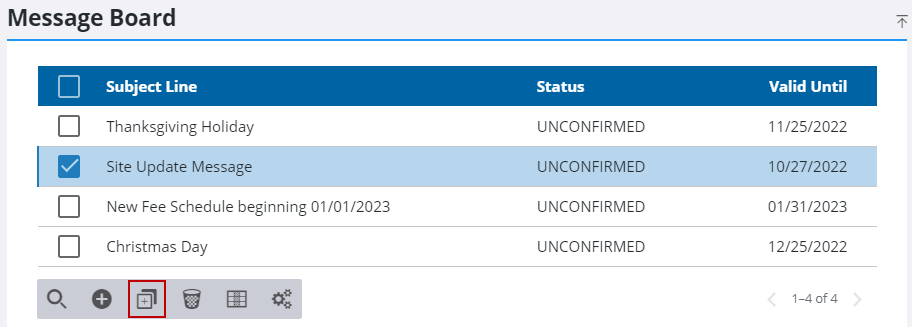
- On the Message Board panel, select a message and click Clone selected records.
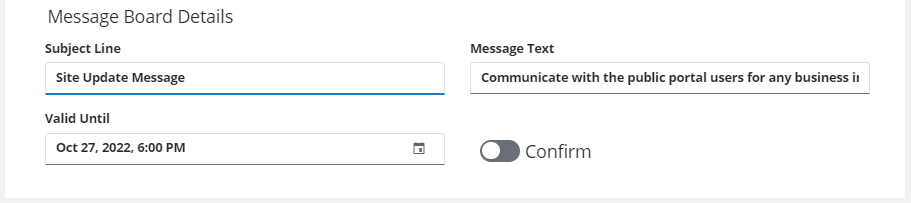
- In the Message Board Details section, edit the Subject Line, Message Text, and Valid Until fields as needed.
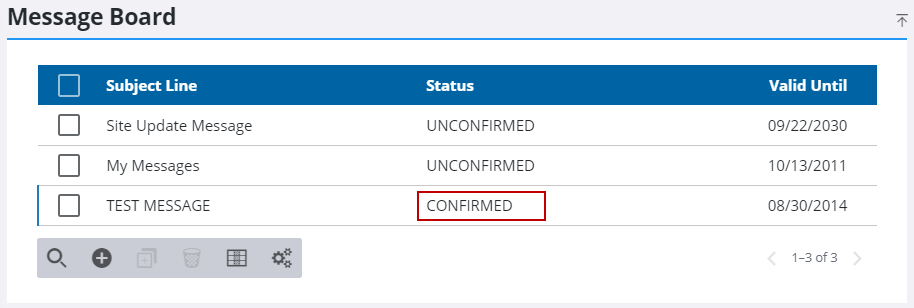
Turning the Confirm switch on or off updates the Status column on the Message Board panel to provide visibility of the publication status of the message.
 NOTE: Admin automatically saves the changes you make. A notification pops up at the bottom to verify changes have been saved.

