Edit an Organization
Existing organizations can be edited.
|
|
 PREREQUISITES:
- From the home page, click PLL and click Organization Structure.
 TIP: You can filter the list of records displayed. See Filter Records for more information.
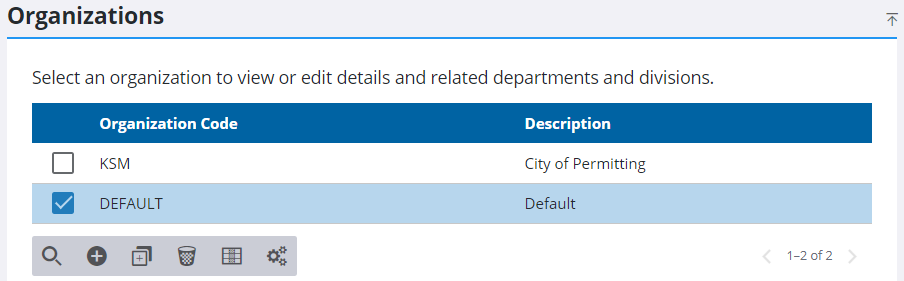
- On the Organizations panel, select an organization.
- Make any changes needed to the record.
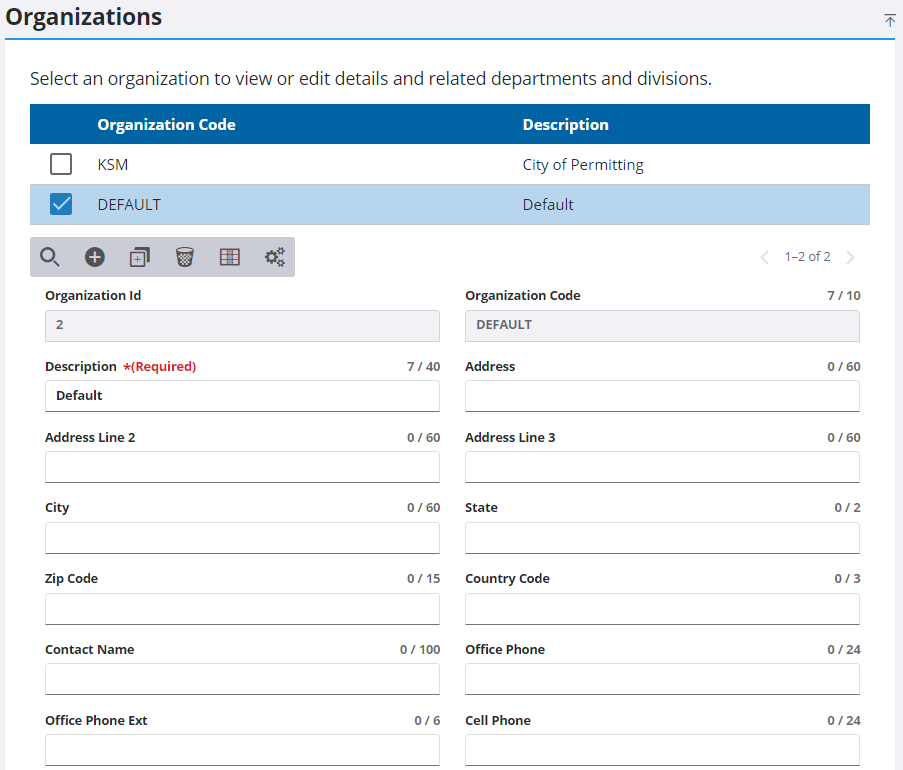
 NOTE: Admin automatically saves the changes you make. A notification pops up at the bottom to verify changes have been saved.

