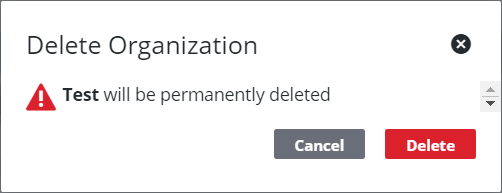
Remove an Organization
An existing organization can be deleted if necessary, but users should exercise extreme caution when doing so. Deleting an organization will also delete any department or division records attached to it. Users should move any existing departments or divisions into other organizations before deleting the parent organization.
|
|
 PREREQUISITES:
- From the home page, click PLL and click Organization Structure.
 TIP: You can filter the list of records displayed. See Filter Records for more information.
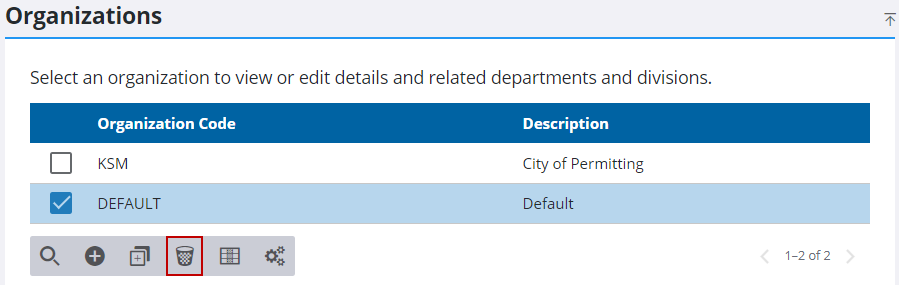
- On the Organization panel, select an organization
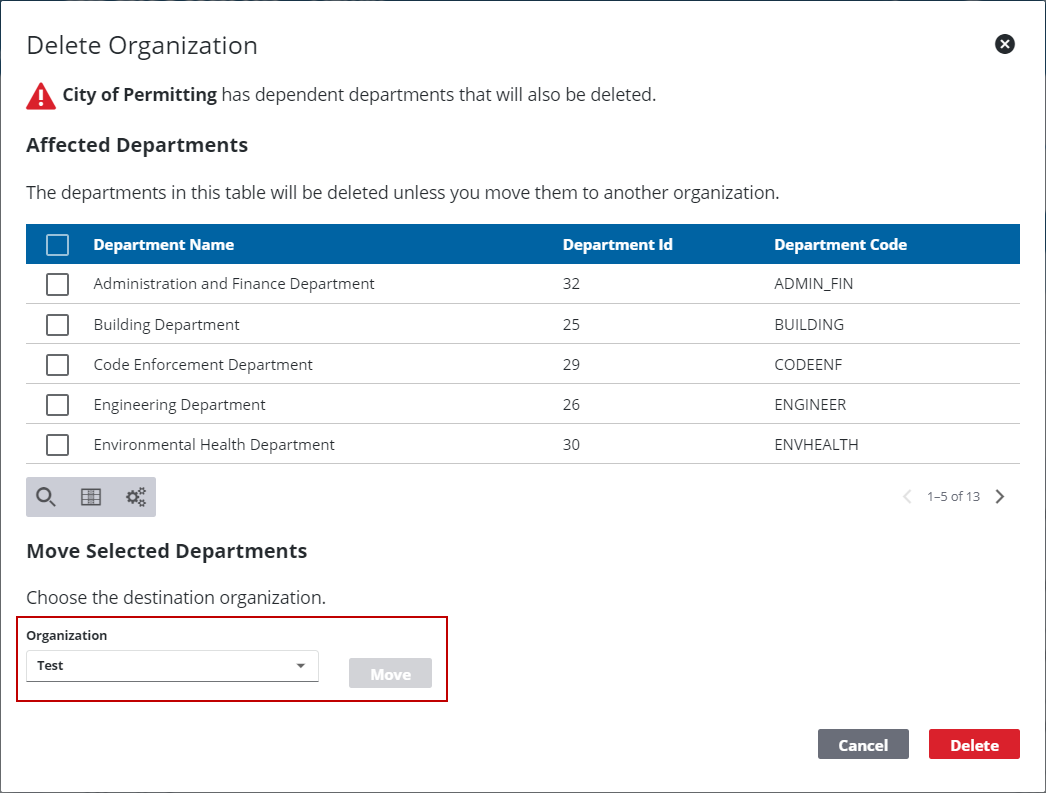
If there are departments attached to the organization, the user will have the chance to move those departments to another organization.
- If applicable, select the check boxes next to the departments you want to move, then select a new organization from the Organization drop-down list and click Move.
 IMPORTANT: Any departments that are not moved before deleting the organization will also be deleted.
If there are no departments associated with the organization, a simple confirmation panel will display.
- Click Delete.