Add a People Profile
Adding a people profile involves selecting all the necessary security functions users in the new security role need in order to access the parts of PLL and PLL Admin to do their jobs.
|
|
 PREREQUISITES:
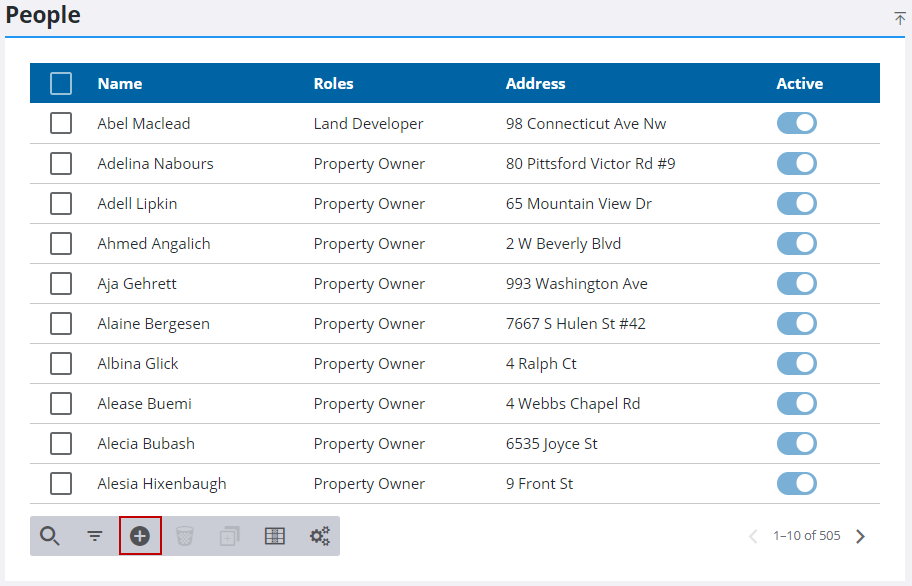
- From the home page, click PLL and click People.
- On the People panel, click Add record.
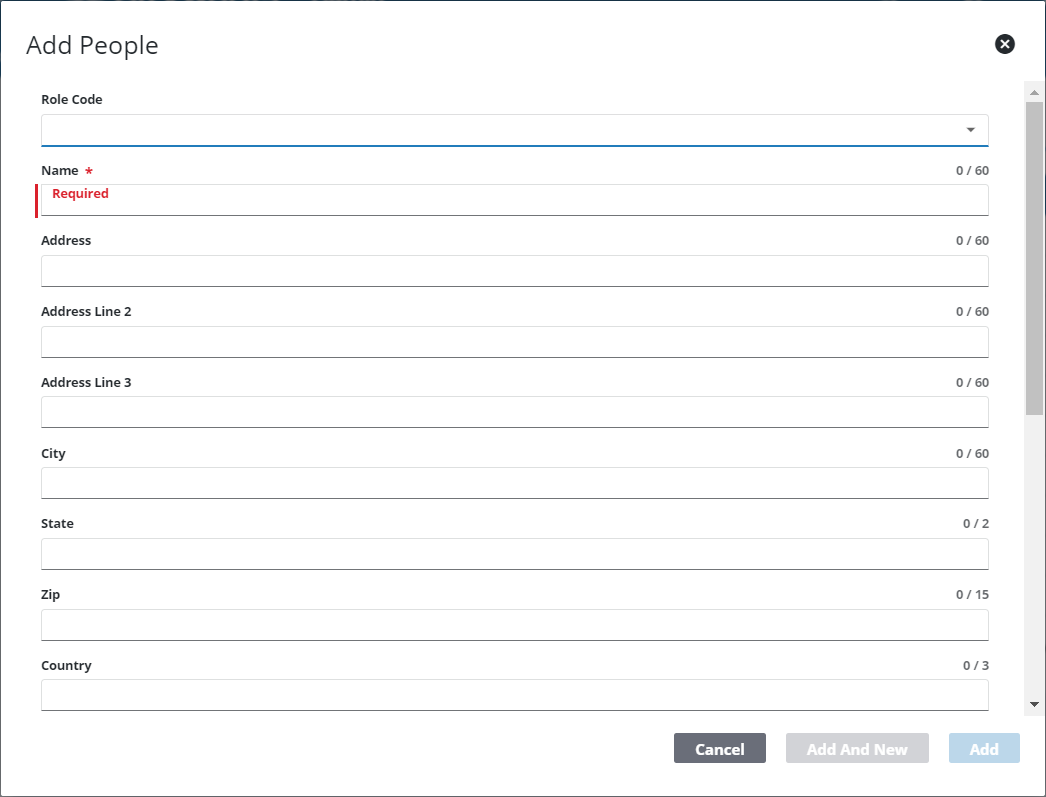
- On the Add People panel, use the Role Code drop-down list to select a people role.
- Enter the person's name in the Name field.
- Enter as much of the person's contact information as possible in the relevant fields.
- In the Comment field, add any additional information that may be pertinent to the case.
- Click Add or Add and New to add the profile and create another one.