Add a User to a Security Role
|
|
 PREREQUISITES:
- From the home page, click PLL and click Security Roles.
 TIP: You can filter the list of records displayed. See Filter Records for more information.
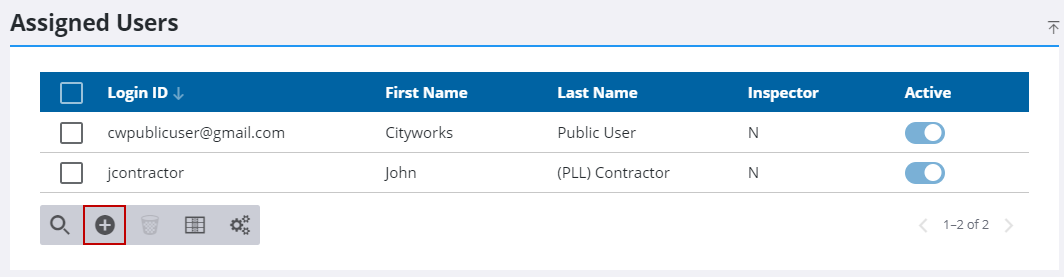
- In the Security Roles panel, select the desired role.
- Click Add record on the Assigned Users panel.
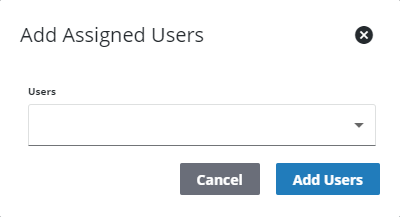
- Use the drop-down list to make user selections.
- Click Add Users.