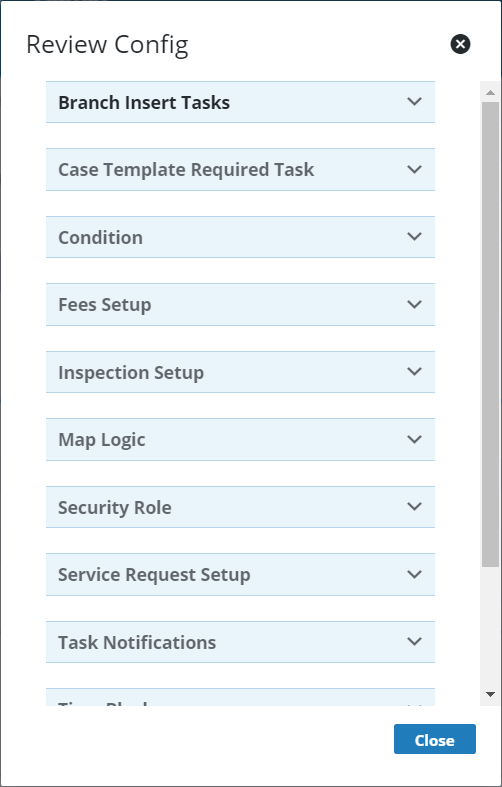
View a PLL Task
Selecting a task allows you to see more detailed information than is available on the Tasks panel.
|
|
 PREREQUISITES:
- From the home page, click PLL and click Task Setup.
 TIP: You can filter the list of records displayed. See Filter Records for more information.
- On the Tasks panel, select the task you want to view.
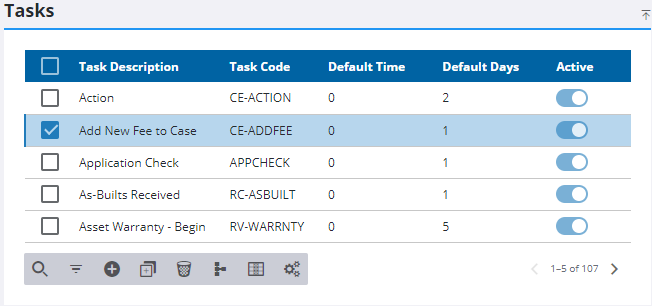
The Details panel displays all the basic information about the task.

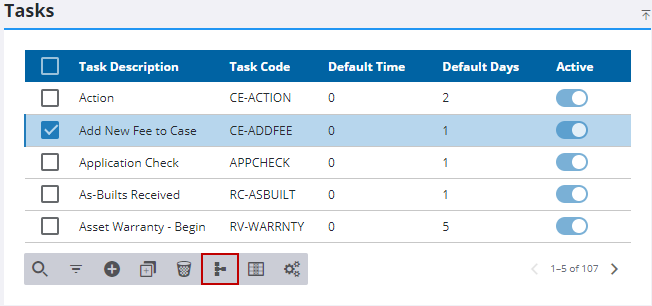
To see where and how a task is being used, select the task and click Review Config.
The Review Config panel shows what kind of other records reference the selected task. Click the arrow icon next to a record type to see which exact records reference the selected task.