Add or Edit a Skill
You can create a new skill or certification that your employees may have.
|
|
 PREREQUISITES:
- From the General tab, click Employee Skills.
- Select Skills from the Employees/Skills panel.
The panel displays a list of existing skills. You can filter the list by typing the first few letters of the skill code or name in the search field in the top-right corner.
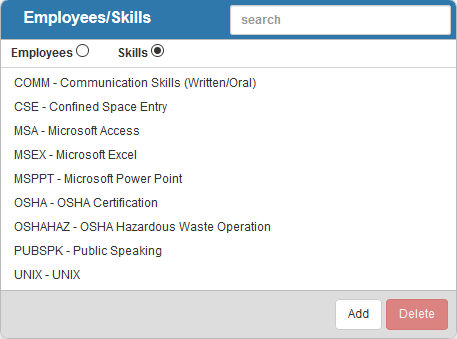
- To add a skill, click Add.
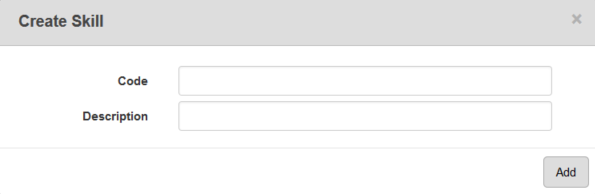
- Enter the Code and Description for the skill and click Add.
The new skill displays in the Employees/Skills panel.
- To view all employees who have a skill or certification, select the desired skill.
The Employee Skills panel displays the code and description of the skill at the top left. Below the description, there is a list of employees that have the skill and details for each of the employees' certifications.

See Add a Skill to an Employee for information on associating skills to an employee.
 NOTE:
NOTE: