Add or Edit a Cityworks Admin
You can use the Admins page to manage administrators.
|
|
 PREREQUISITES:
- From the home page or General tab, click Admins.

- To add a new administrator, click Add.
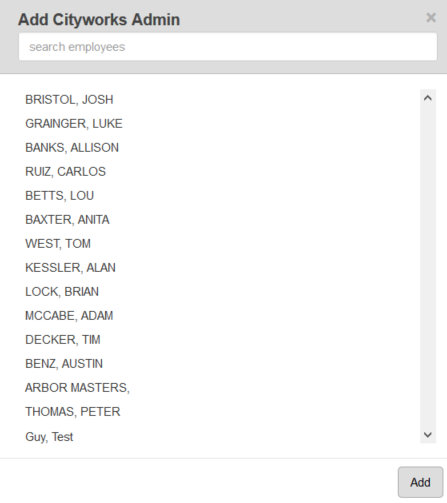
- Select the employee from the list. You can filter the list by typing the first few letters of the employee's name in the search field. Click Add.
 TIP: You can use <Shift + click> or <Ctrl + click> to select multiple employees.
 NOTE:
NOTE: