Export Budget Report
The third panel, on the Query Editor page, is a preview of which budgets meet the search parameters of your query. These results can be exported as a .csv file.
- Open Respond. See Switch Between Apps for more information.
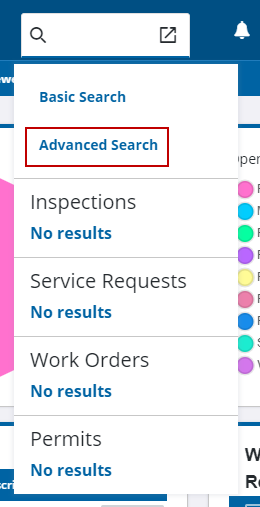
- Open Advanced Search. See
- Click New Query or select an existing query from Performance Budget. See Create Budget Reports for more information.
- Select at least one response field for the query type. See Preview Budget Report for more information.
- Click Export CSV to download the results for the matching response fields.
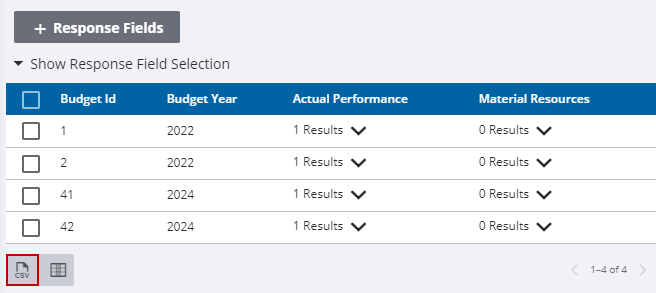
The .csv file is downloaded to your computer.