Edit Task Results in a Task Result Set
Existing task results may be updated or changed at any time without having to create entirely new task results to replace them. The following steps will walk you through the process of editing an existing task results.
|
|
 PREREQUISITES:
To edit an existing task result, follow these steps:
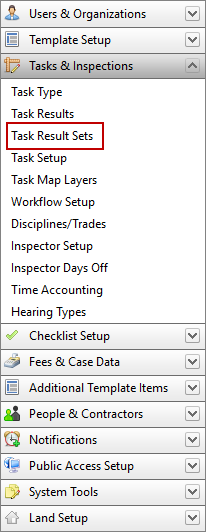
- Click Tasks & Inspections on the PLL Admin menu panel and select Task Result Set.
- On the Task Results Set panel, click the plus icon next to an existing result set.
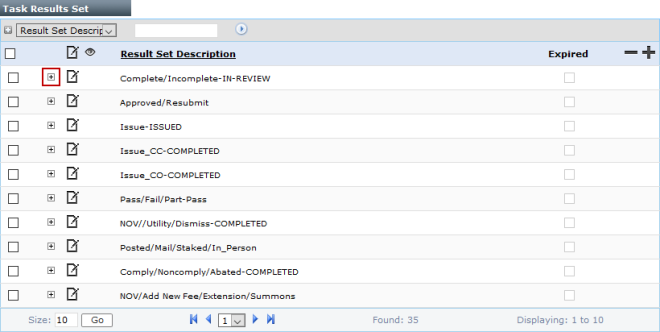
 NOTE: Search or filter the records on this panel to quickly find the one(s) you want. See Search and Filter Records for more information.
- On the result set sub panel, select the check box next to the task result you wish to edit, then click Edit record at the top of the panel.

- On the Edit: Task Result Detail panel, make any changes you desire. See Add Task Results to a Task Result Set for more information.

- Click Save.