Add a Task Group
This section will discuss how to set up new task groups in PLL Admin.
|
|
 PREREQUISITES:
To add a new task group to Cityworks PLL, follow these steps:
- Click Tasks & Inspections on the PLL Admin menu and select Workflow Setup.

- On the Workflow Setup panel, click Add record near the top of the panel.
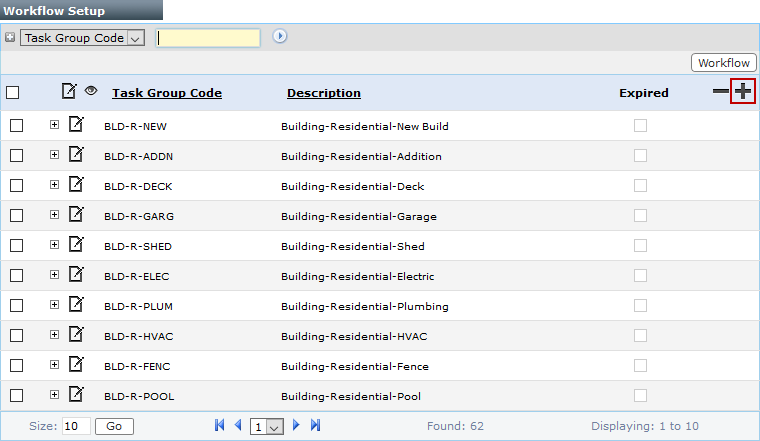
 NOTE: Search or filter the records on this panel to quickly find the one(s) you want. See Search and Filter Records for more information.
- On the Add: Task Group panel, enter a 10-character identifier for the group in the Task Group Code field and a brief explanation of its purpose in the Description field.

- Click Save.