Log In as a Guest User
For users who will not be using Public Access on a regular basis, there is a guest user option available on the login screen.
- On the Public Access login screen, click Continue under Continue As Guest.
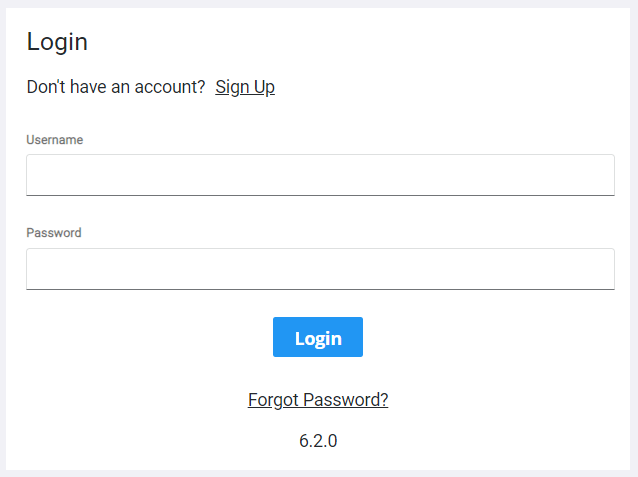
- Enter your email address and confirm it.
- Click Log In.

The Select an Application page shows. See Begin a New Application for more information on creating a case.