Create a New Application Based on the Current Application
Users can create child applications based on existing applications. This automatically populates the new application with selected data from the existing application. The information copied to the new application is configured on the parent case. See Configure Cloning Options on a Case Template in the Admin 3.2 Guide for more information.
 IMPORTANT: This tool can only create child applications that use the same case template as the parent case. See Add a Link to Another Application for information on adding child cases based on different case templates.
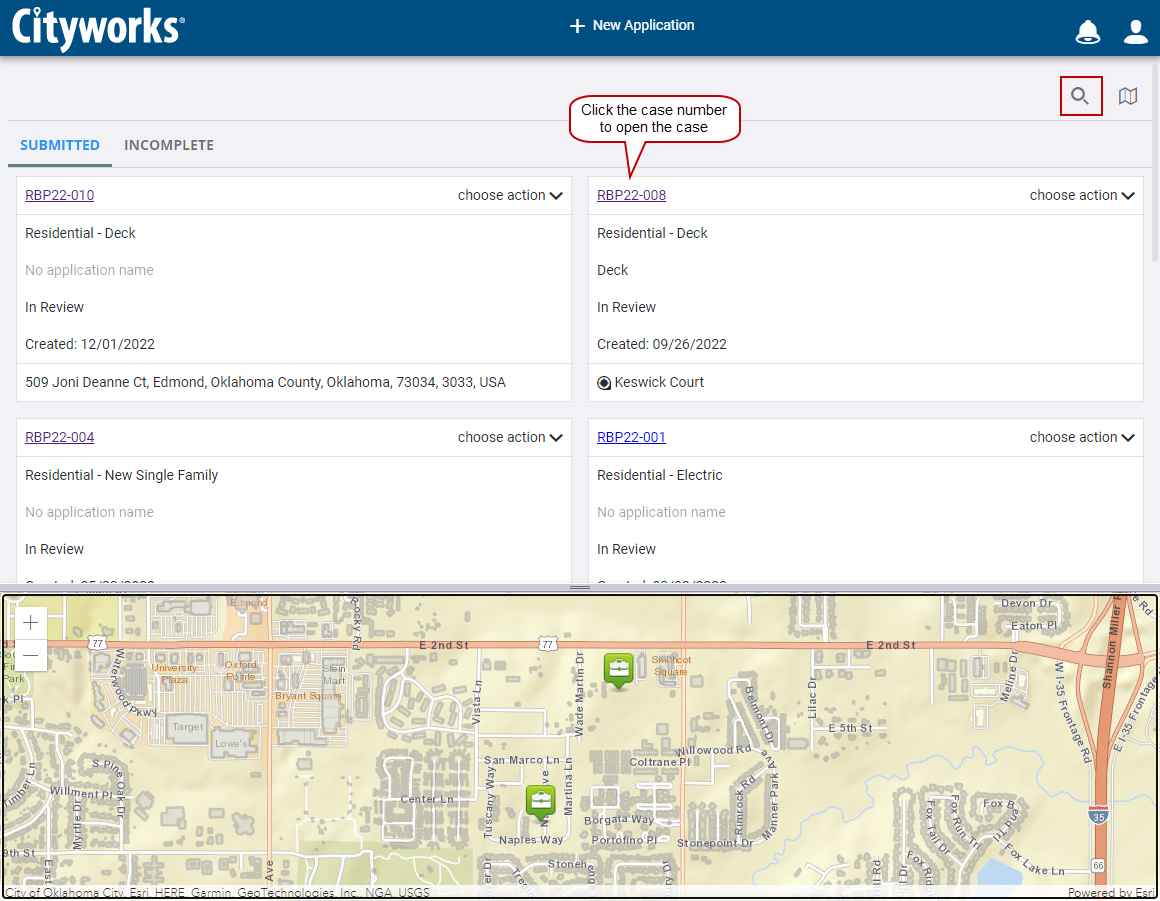
- Make sure the home page is set to display submitted applications.

- Scroll through the list of submitted applications or enter the case number in the search box at the top of the page.
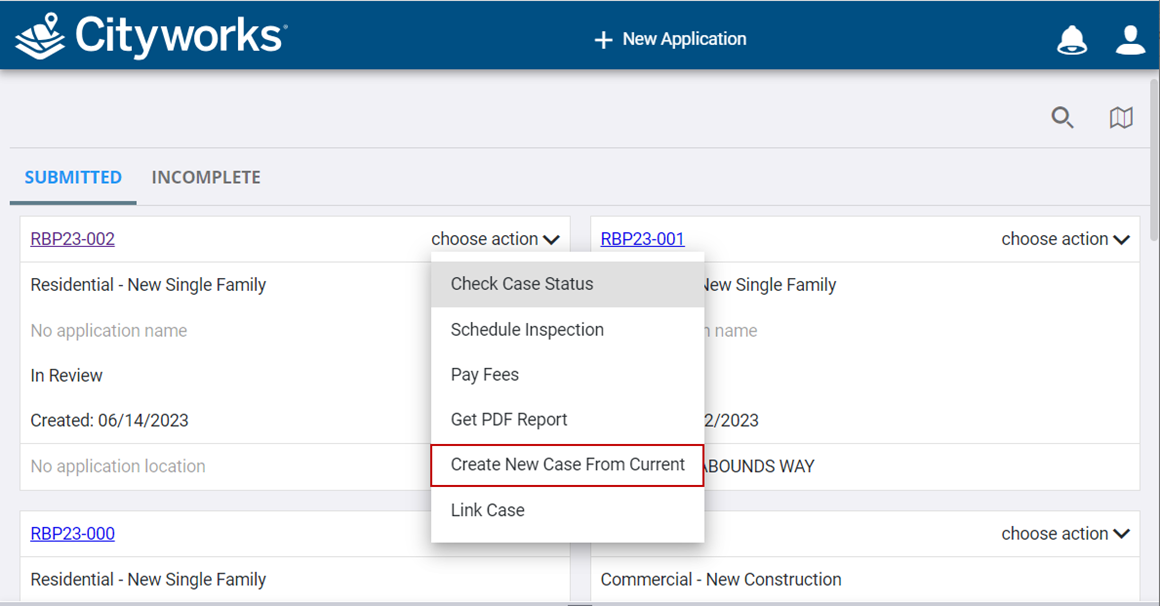
IMPORTANT: Selecting this option takes you to the Case Categories page. See Configure Cloning Options on a Case Template in the Admin 3.2 Guide for more information.
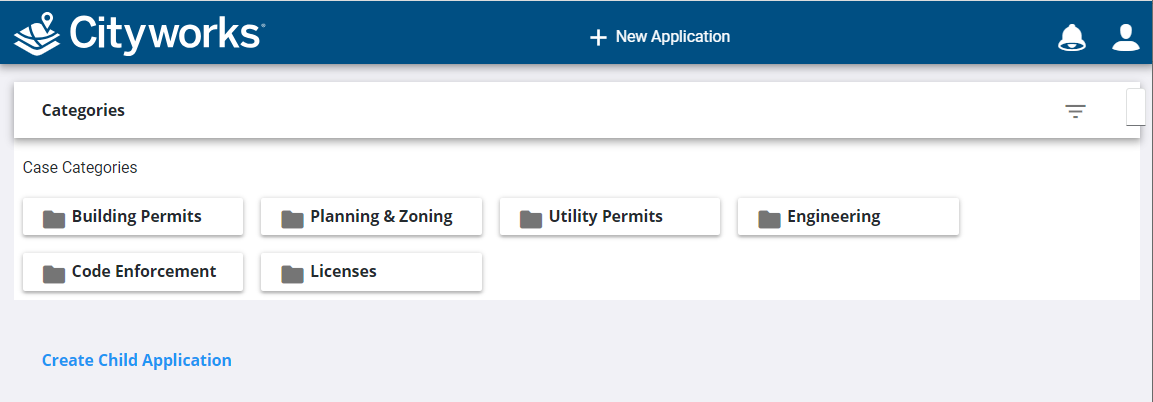
See Begin a New Application for more information.