Complete a Task
- To mark the task as complete, tap the drop-down list to the left of the task's start and end dates to choose a result for the task, such as if it is approved or should be resubmitted. The result codes available in the drop-down list vary depending on the case type.
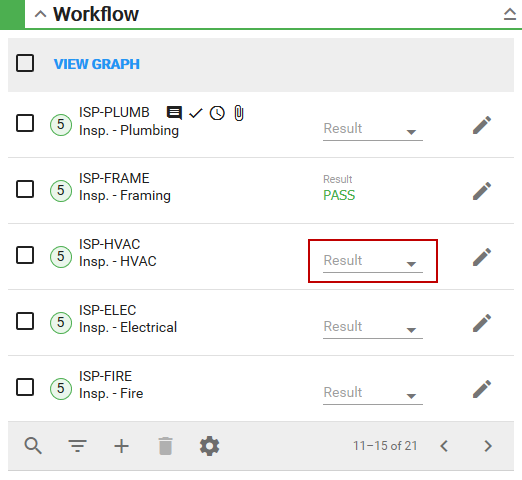
- Select a result code.
The Completed By and Completed Date fields automatically populate with the current user’s login and the current date.
 NOTE: If you want to specify the Completed By and Completed Date fields, select that information before selecting the task Result; the Completed By and Completed Date fields are saved with the task result.
See Workflow Fields for more information.