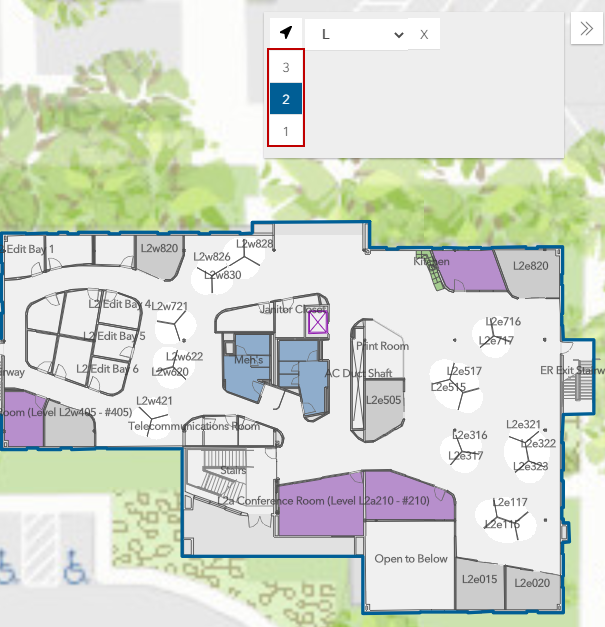
Switch Between Buildings and Floors
If you are using ArcGIS Indoors and Cityworks, the FloorSwitcher map tool can be used to switch between buildings defined on your map, and the floors within each building.
|
|
 PREREQUISITES:
- Open the map.
-
- Select the building you'd like to work in from the Facility drop-down list.
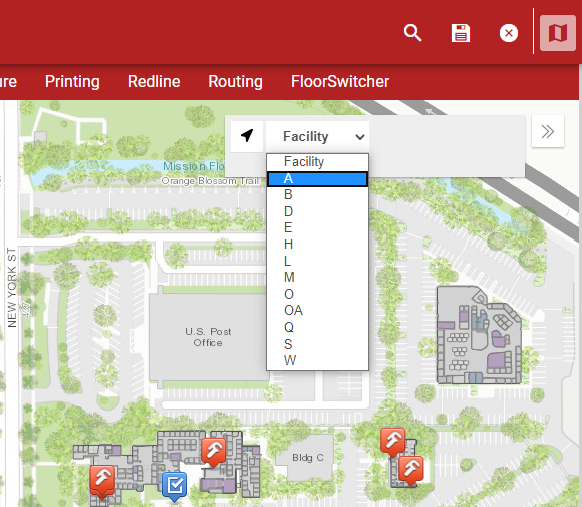
The map centers and zooms in on the selected building.
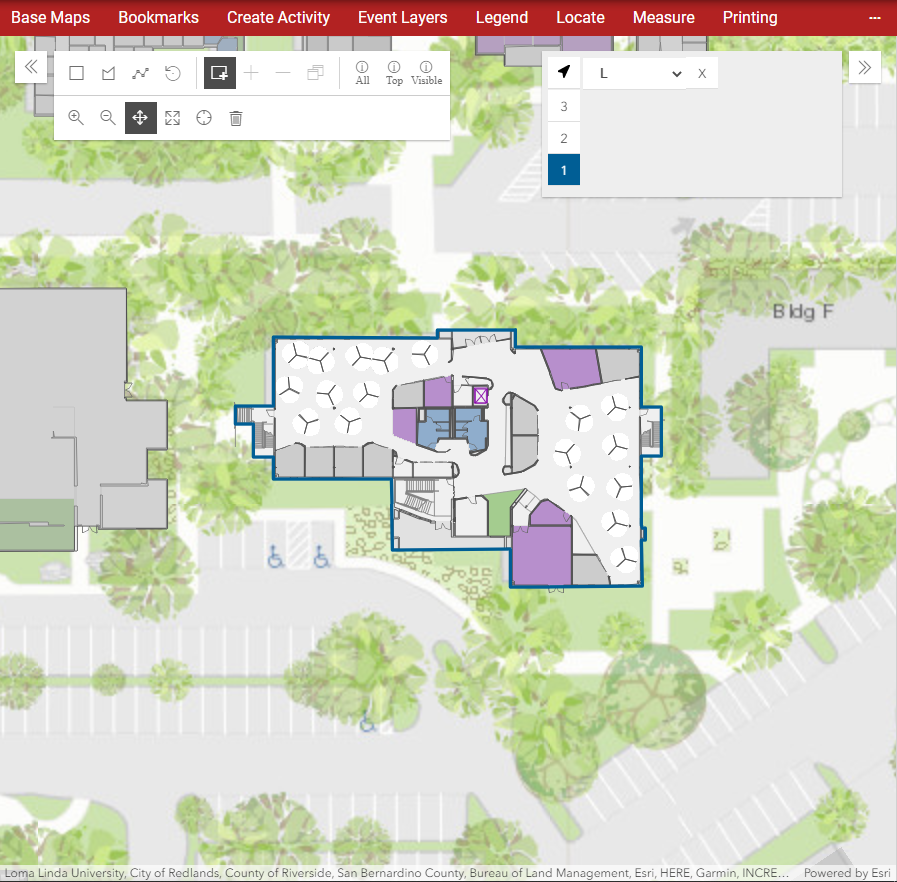
- To change to a different level in the building, select one of the numbers on the left in the FloorSwitcher tool.