Edit a Query
You can edit an existing query that you created.
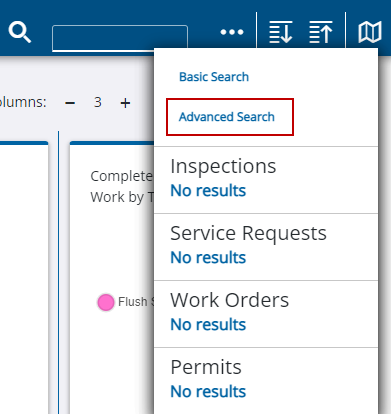
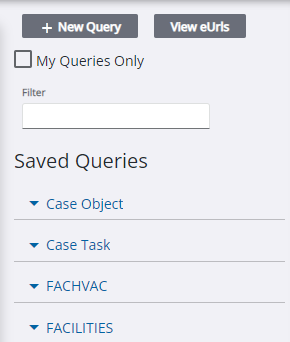
- Select an existing query from the Saved Queries section. Enter the query name in the Filter field to filter the list or select My Queries Only to filter the list based on queries you own.
 NOTE: The list of GIS saved queries only shows queries for asset types that are part of the current domain you're working in.
The middle column populates with the query.
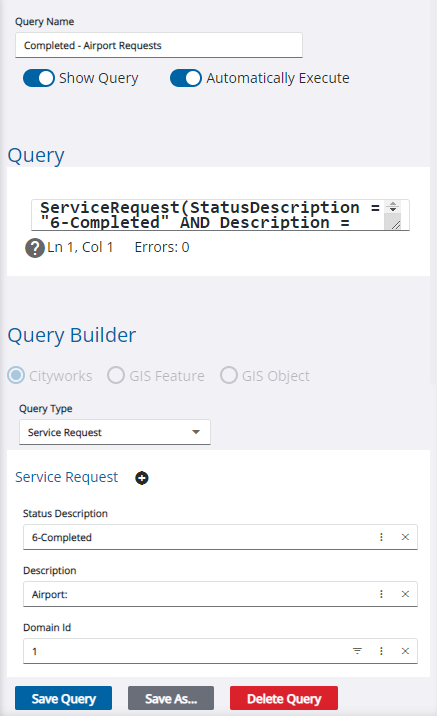
Use the Query Builder or
- Add or update information in the query.
NOTE: If a query returns a lot of results and slows down the page, turn off the Automatically Execute option to edit a query without waiting for the results to populate in the panel on the right.