Favorite Map Tools
Frequently-used tools can be anchored to the top of the map as favorites. Your favorites are remembered each time you work with the map and are saved in the database so they are maintained across different browsers and devices.
- Open the map by
-

- Select the
 NOTE: Any 3D-based map tools, such as Daylight and Slice, are only visible when using the 3D map. See Webmaps for more information on utilizing a 3D map.
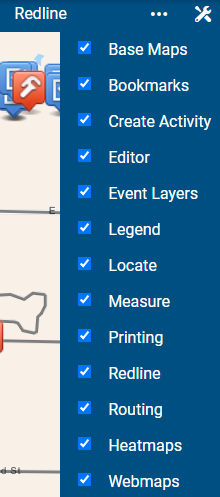
The map toolbar displays the favorite tools in the order they were selected in the list.