Add a Released Instrument
You can add a released instrument from the Instrument panel.
- Open a case.
-
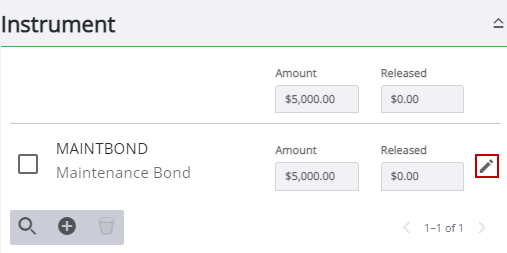
The Edit Instrument panel opens.
- Scroll to the bottom of the Edit Instrument panel and
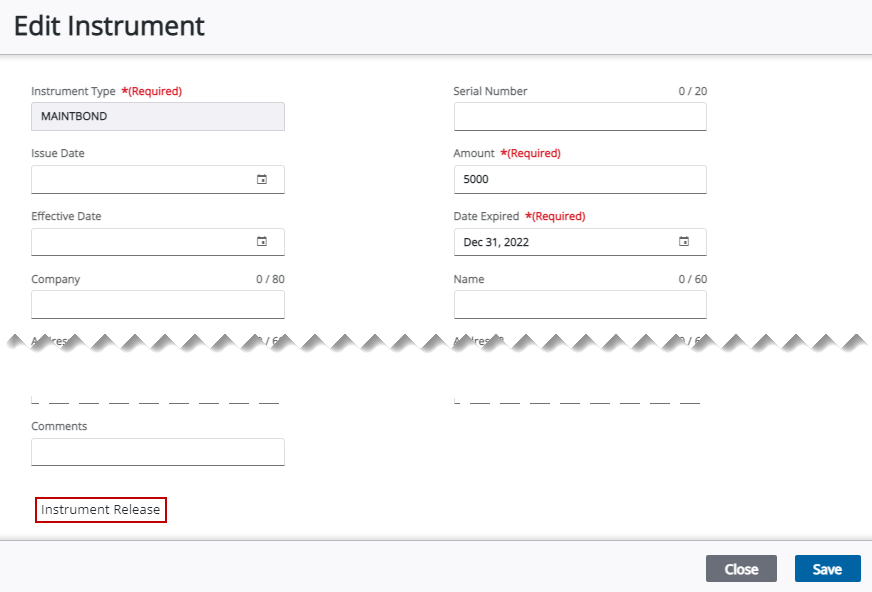

- Enter the amount released in either the Amount Released or Percent Released field as a whole number (no zeros). Do not use commas or the dollar sign.
-
- Enter any Comments.
- Use the calendar icon or double-
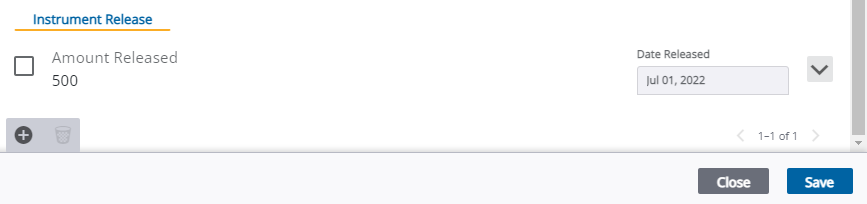
The amount released and the released date appears in the Instrument Release panel.

See Instrument Release Panel Fields for an explanation of the Instrument Release panel fields.