People
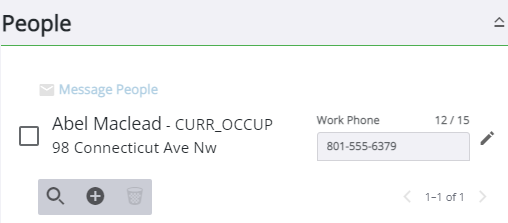
The People panel contains information for people or businesses associated with the case. Each person or business has been assigned to a role depending on their responsibility. One person may have several different roles in a single case. For example, the builder of a residential property can also be the applicant, owner, and occupant. In order to accurately depict each role, the individual should be added to the case for each role they represent. From here, you may add, edit,
If the administrator has configured it, when an asset is added as an address, any people associated to that asset are automatically added to the People panel. If you are an administrator, see Configure GIS Data Fields in the Admin 2.2 Guide for more information.