Time Accounting Fields
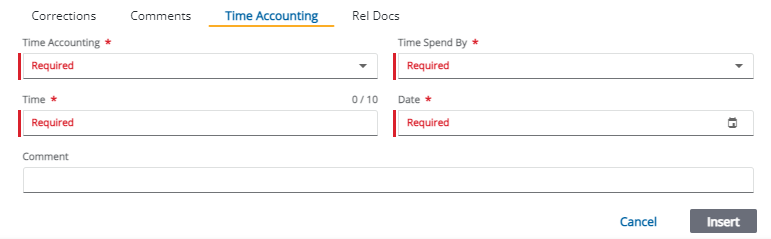
- Time Accounting: Use
- Time
- Time: Enter the amount of time spent on the task. The exact time unit (for example, hour, half-hour, quarter-hour, etc.) is set by the PLL administrator.
- Date: Use the calendar icon to select the appropriate date.
- Comment: Enter additional information about the time spent on the task.
- Insert: