Switch Customization Profiles

You can switch between customized profiles that have been defined in Designer.

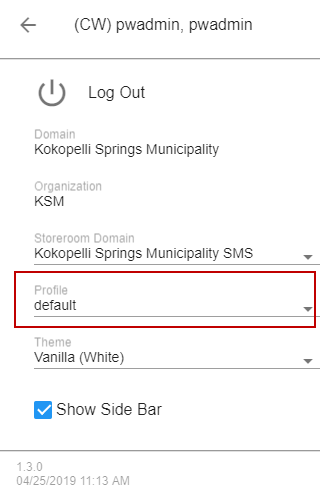
PREREQUISITES:

  • A profile must be created in Cityworks Style. See Create a Profile for more information.
  • More than one profile must be defined for the employee in Designer in order for the Profiles drop-down list to appear. See Define a Profile in Designer for more information.
  1. Open the User Menu.
  2. Tap the Profiles drop-down list.