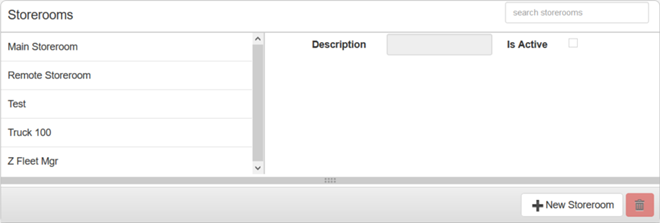
Storeroom Materials is used to add or update storerooms and to associate materials to storerooms.
PREREQUISITES:
|
The Storerooms panel lists all of the existing storerooms on the left side of the panel and on the right shows the storeroom details. The details cannot be edited unless a storeroom has been selected. You can filter this list by typing the first few letters of the storeroom in the search box in the top-right corner of the panel.
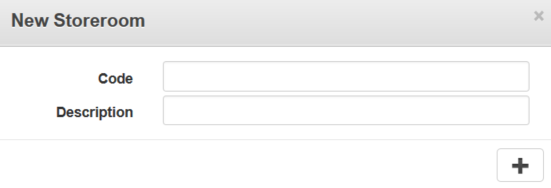
If you add a storeroom, it is also associated to your current storeroom domain.
NOTE: You can also add a storeroom in Designer under Storeroom > Domains. See Create a Storeroom from Domains for more information.
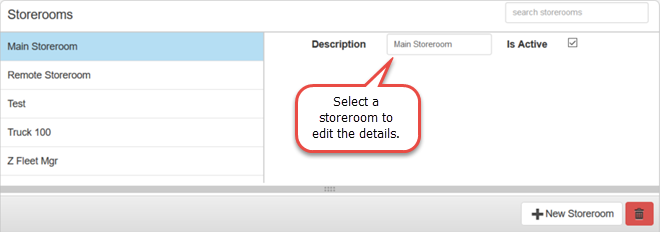
NOTE: Storeroom automatically saves the changes you make. A notification will appear in the top of the window that says Data Saved when you make changes to the page.
Once a storeroom is added, you must add material to the storeroom, see Add Material to a Storeroom for more information.
Last updated 1/3/2020.
Copyright© 2014–2018 by Azteca Systems, LLC. All rights reserved.