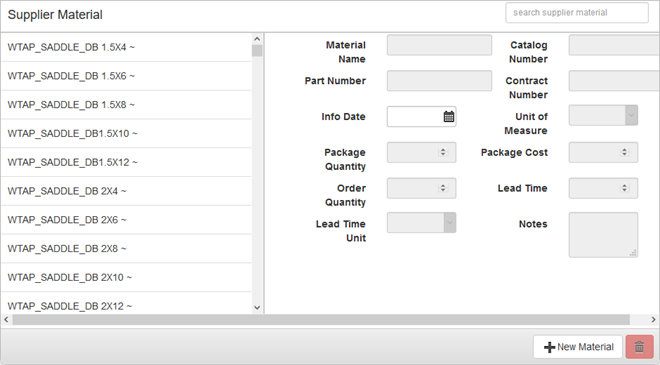
The Supplier Material panel, below the Suppliers panel, contains information about the materials the supplier provides.
PREREQUISITES:
|
Existing supplier material appears on the left of the panel and on the right shows the supplier material details. The details cannot be edited unless a material has been selected. You can filter this list by typing the first few letters of the material in the search box in the top-right corner of the panel.
The Supplier Material information should be entered as defined by the supplier to facilitate requisitioning materials.
IMPORTANT: The information in the Supplier Material panel is specific to the supplier. It differs from the Materials panel, which lists the organization's description of the material and designated part number. Materials are added by the Cityworks domain administrator under Config, so they are already part of the Cityworks database. See Material for more information.
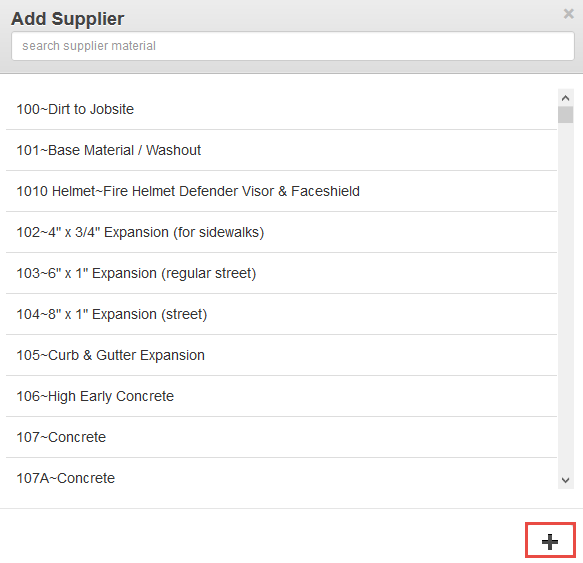
NOTE: Establishing this link of a material to a supplier makes it possible to designate the supplier as the Primary Supplier for the material on the Materials panel. See Material for more information.
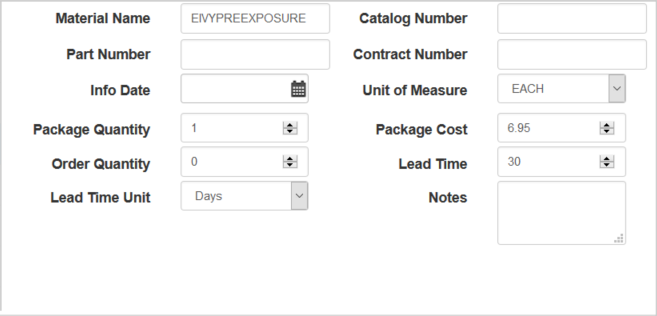
TIP: Press Tab on your keyboard to move the cursor from field to field.
NOTE: Storeroom automatically saves the changes you make. A notification will appear in the top of the window that says Data Saved when you make changes to the page.
For an explanation of fields found on the page, see Suppliers Fields.
Last updated 1/3/2020.
Copyright© 2014–2018 by Azteca Systems, LLC. All rights reserved.