Add a Supplier to Material
If a supplier does not appear in the Supplier drop-down list on the Receive or Requisition pages, you can associate the material to the desired supplier from those pages.
|
|
 PREREQUISITES:
- Click Receive or Requisition on the Storeroom toolbar.
- Select the desired material(s) from the Material panel that you'd like to associate an existing supplier to.
- Click Add Supplier to add an existing supplier to the Supplier drop-down list for the selected material(s).
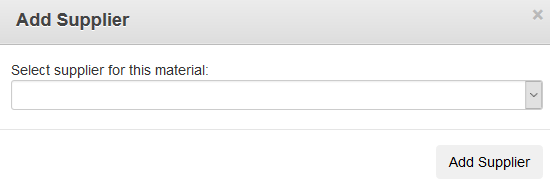
- Select a supplier from the Select supplier for this material drop-down list.
- Click Add Supplier.
The supplier will now show as a default supplier for the selected material(s). Also, the material has now been associated to the supplier on the Suppliers page.
 NOTE: Default suppliers can also be added to the Supplier drop-down list for a material in Material.

Documentation Feedback Form
Please give us feedback about this Cityworks guide.
If you have a feature enhancement request, please see the Ideas page on MyCityworks.
Last updated 1/3/2020.
Copyright© 2014–2019 by Azteca Systems, LLC. All rights reserved.