Export Search Results to CSV
- Click Requisition on the Storeroom toolbar.
- Perform a search. See Search for a Requisition Transaction for more information.
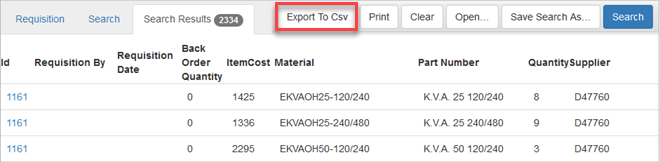
The results appear on the Search Results panel.
- Click Export to Csv.
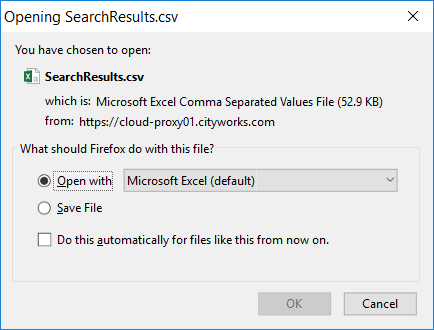
- On the Opening SearchResults.csv panel that appears, click Open with to view the results or Save File to save them.
- Click OK.
The results open in an Excel sheet.
 NOTE: Some fields, like Bin Location, do not export as expected because Cityworks does not set field formats for Excel. In Excel, change the format of the cell to fix the issue.

Documentation Feedback Form
Please give us feedback about this Cityworks guide.
If you have a feature enhancement request, please see the Ideas page on MyCityworks.
Last updated 1/3/2020.
Copyright© 2014–2019 by Azteca Systems, LLC. All rights reserved.