Print Search Results
You can print the search results using Crystal Reports.
- Click Requisition on the Storeroom toolbar.
- Perform a search. See Search for a Requisition Transaction for more information.
- Click Print.
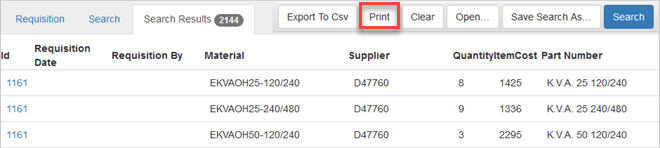
The results open in a new browser tab.
- Click the print icon to print the results.

Documentation Feedback Form
Please give us feedback about this Cityworks guide.
If you have a feature enhancement request, please see the Ideas page on MyCityworks.
Last updated 1/3/2020.
Copyright© 2014–2019 by Azteca Systems, LLC. All rights reserved.