Clone a Storeroom
You can create a storeroom based on an existing one by cloning the desired storeroom, then editing the new storeroom to make it unique. All materials from the existing storeroom are copied to the new storeroom. Once the storeroom is cloned, the stock on hand is set to zero for all the materials.
|
|
 PREREQUISITES:
- Tap
- Tap Storeroom Material.
The Storeroom panel lists all existing storerooms. You can filter this list by tapping Filter records and entering the first few letters of the storeroom. Tap Rows to adjust the number of rows shown in the panel. The number set in this panel will persist on all other administrative pages.
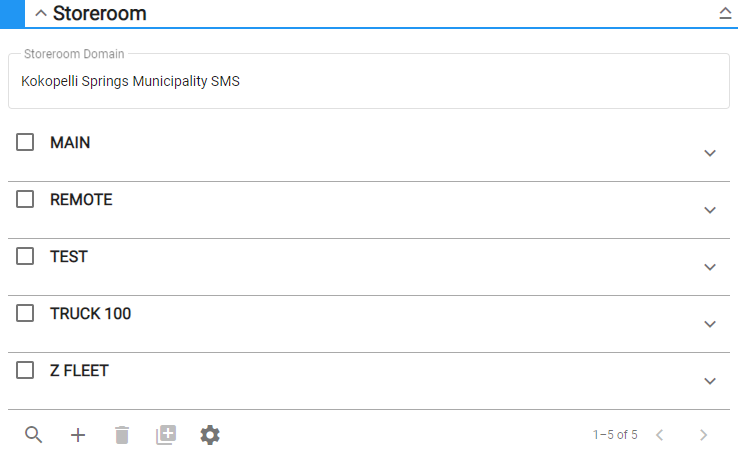
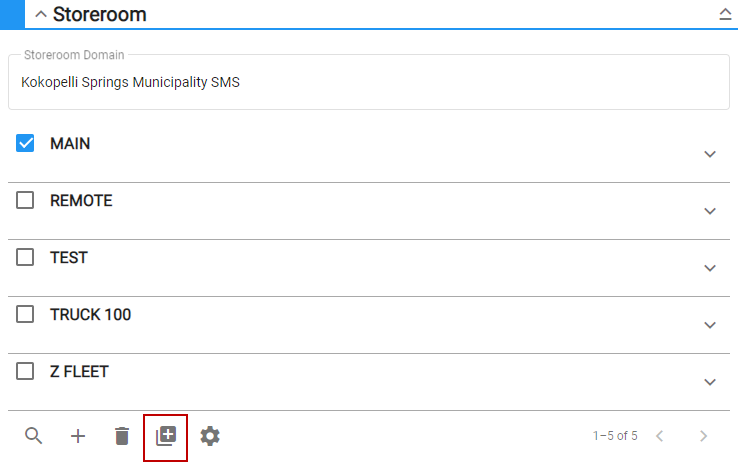
- Select a storeroom from the list and tap Clone Selected Storeroom.
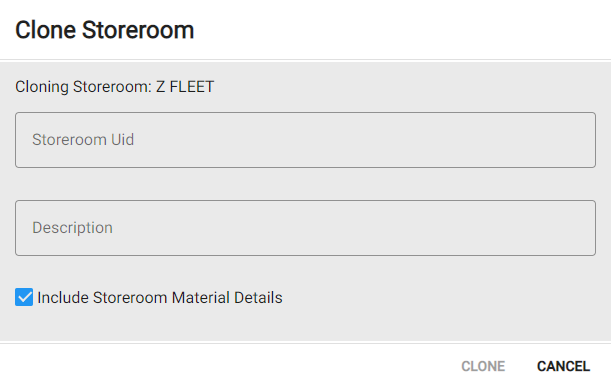
- Enter the Storeroom Uid and Description.
- Select Include Storeroom Material Details to include those details in the cloned storeroom.
- Tap Clone.
- Finish configuring the storeroom.