Add an Attachment
Attachments can be added to existing transactions.
- Search for a transaction. See Search for a Transaction for more information.
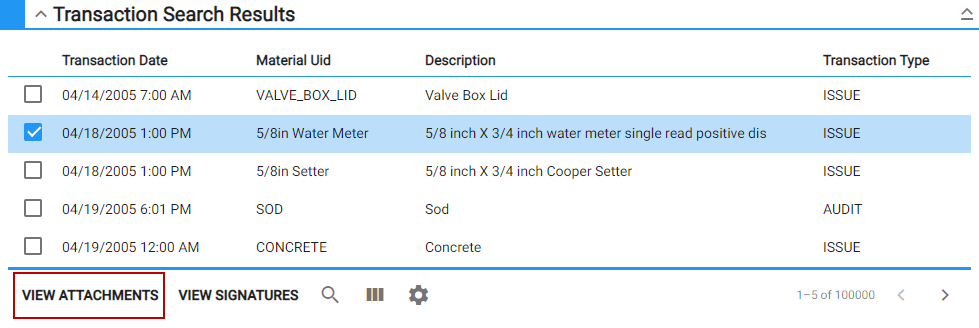
- Select the transaction from the Transaction Search Results panel and tap View Attachments.
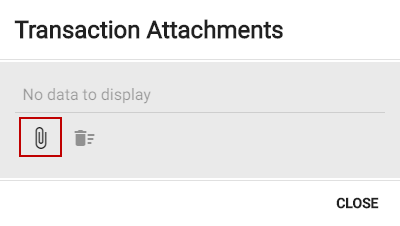
- On the Transaction Attachments panel, tap Add.
- Browse to the file and tap Open.
The attachment saved in the Transaction Attachments panel.
- To remove an attachment from the transaction, tap
- To remove all attachments, tap Delete All.