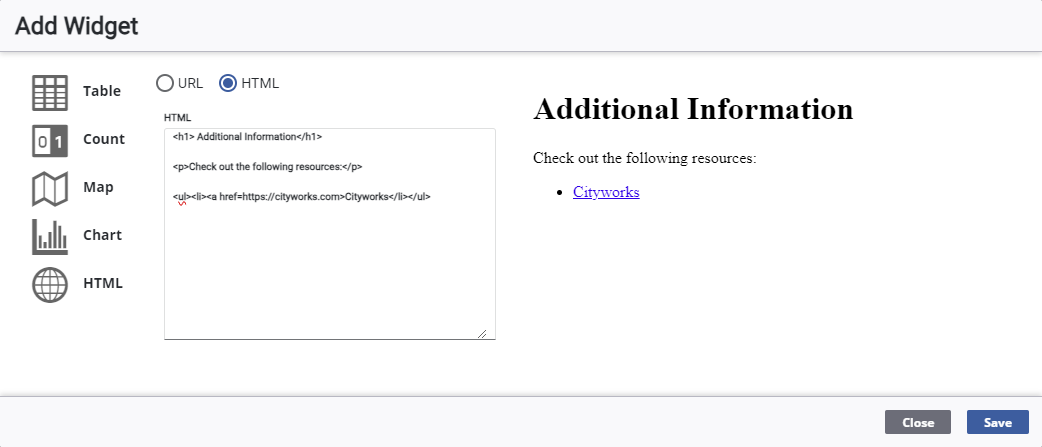
Add an HTML Widget
The HTML widget displays media from external online sources using either a URL or HTML.
|
|
 PREREQUISITES:
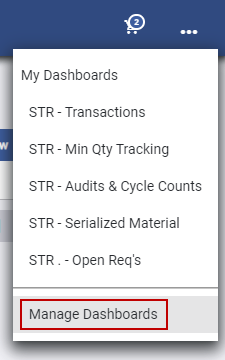
 NOTE: The most-recently-viewed dashboards display. To quickly switch between recently-viewed dashboards, see Switch Between Dashboards for more information.
The Dashboard Management page opens.
-
- On the Dashboard - Edit page,
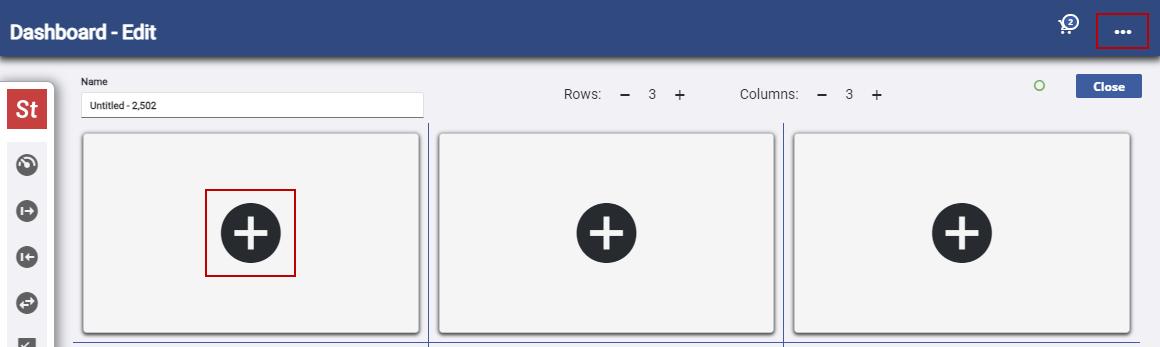
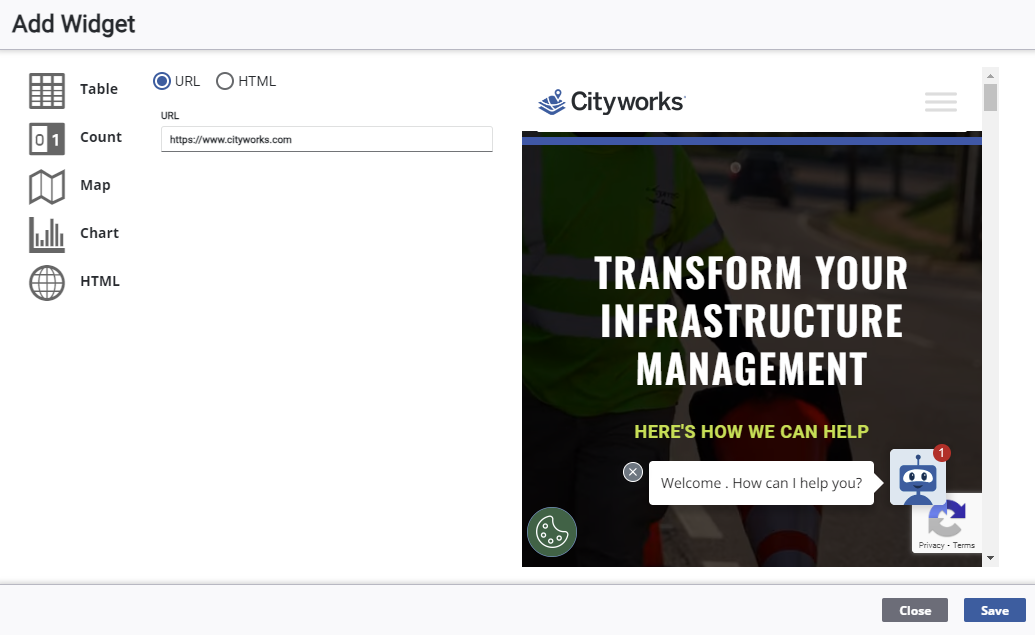
The Add Widget panel opens.
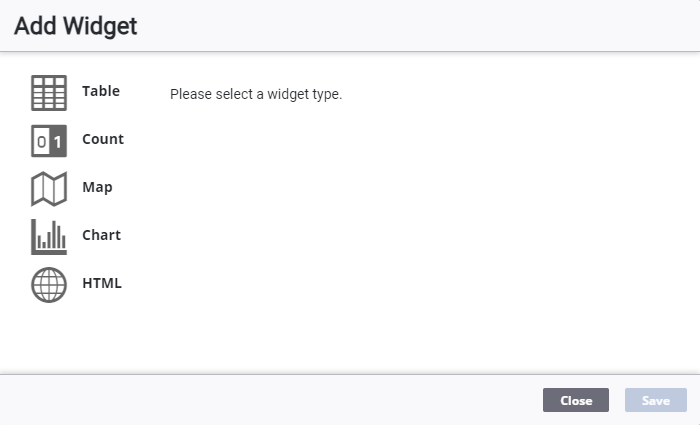
- Select HTML.
 Enter a URL
- Select URL.
- Enter or copy and paste a URL in the URL field.
Enter HTML
- Select HTML.
- Enter HTML in the HTML field.
NOTE: A preview appears to the right on the Add Widget panel that dynamically changes as you enter HTML for the widget.