Configure Assets
Assets that are going to be used in the Trimble Unity Mobile for Cityworks must be configured in Cityworks.
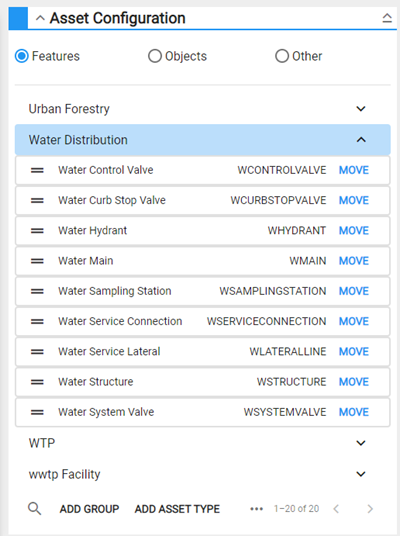
- In Admin on the GIS tab, navigate to Asset Groups.
- Ensure that the asset type, such as water valves, is added to an asset group. See Configure Assets in the Admin 2.2 Guide for more information.
If the asset layer name associated to the inspection template does not match the layer name in the web map, an asset alias must be configured. See Associate Assets to an Inspection Template for more information on associating an asset layer to an inspection template.
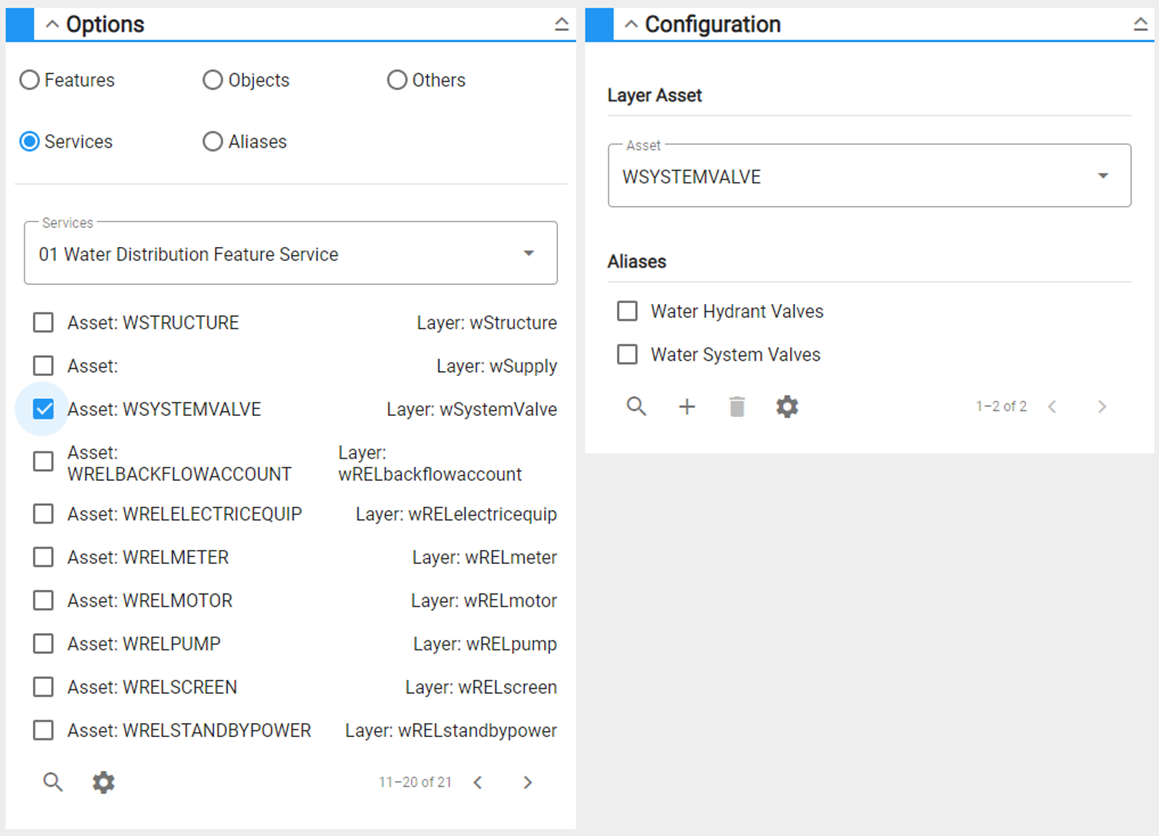
- Navigate to Asset Alias on the GIS tab and select the feature layer that contains the asset type. Ensure that the correct asset name is added as an alias. See Configure Asset Alias in the Admin 2.2 Guide for more information.