Locate a Service Request on the Map
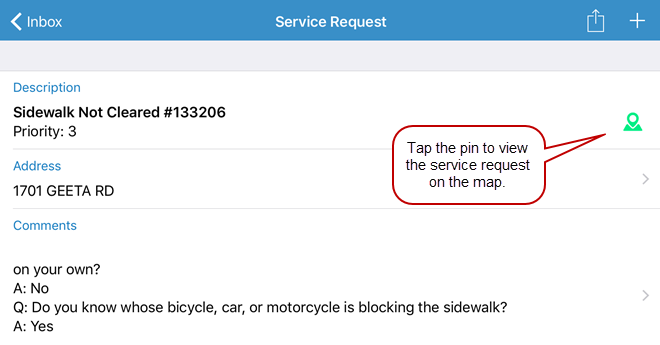
 NOTE: If the map pin is gray that means the service request does not have a location associated with it and cannot be located on the map.
- To return to the service request, tap the service request icon on the map and then tap the arrow on the description that displays.