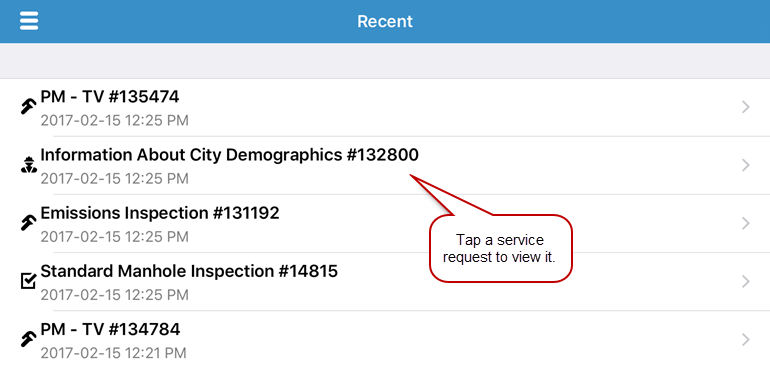
View a Service Request
You can open a service request from the Map, Inbox, and Recent.
Complete one of the following to view a service request:
 From the Map
- Tap the menu icon in the upper-left corner.
- Tap Map.
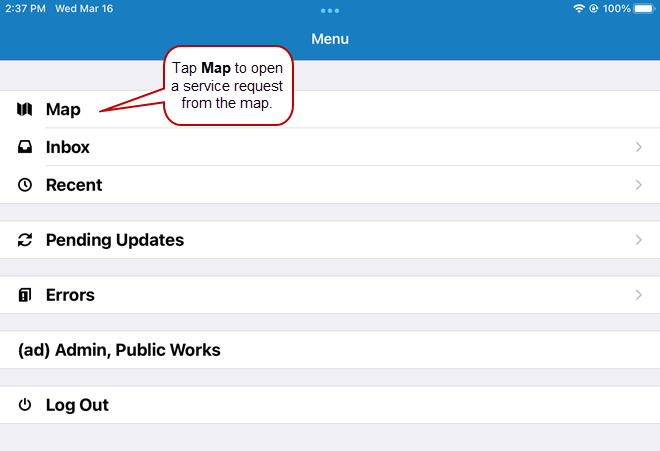
- Tap a service request icon on the map, then tap the arrow on the description that displays.

From the Inbox
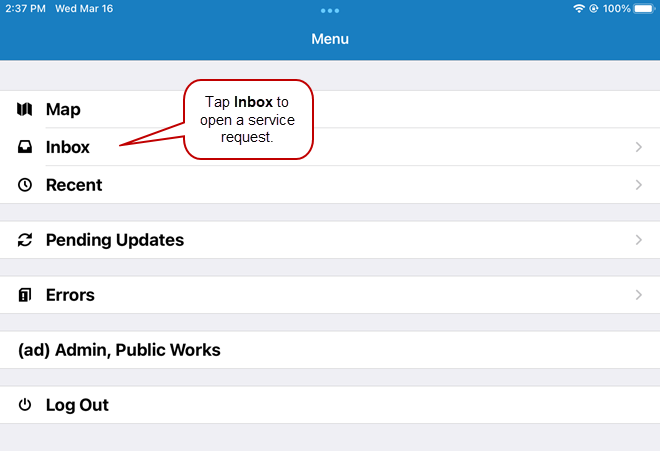
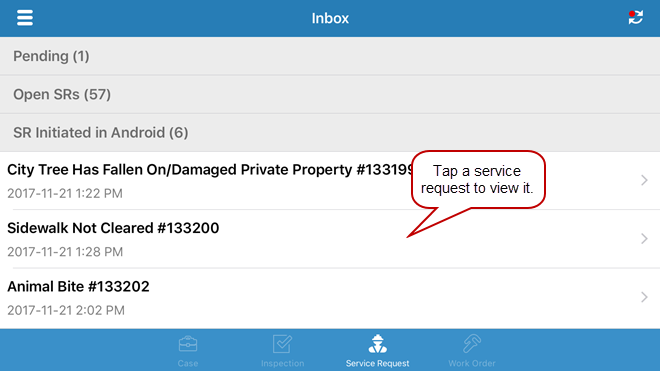
- Tap the service request icon at the bottom of the Inbox.
A list of service requests appear, grouped by saved searches and pending service requests that need to be synced, or in one single list if no saved searches have been added to the mobile inbox.
- Scroll through the list and tap the service request you wish to view.
From Recent
- Tap the menu icon in the upper-left corner.
- Tap Recent.
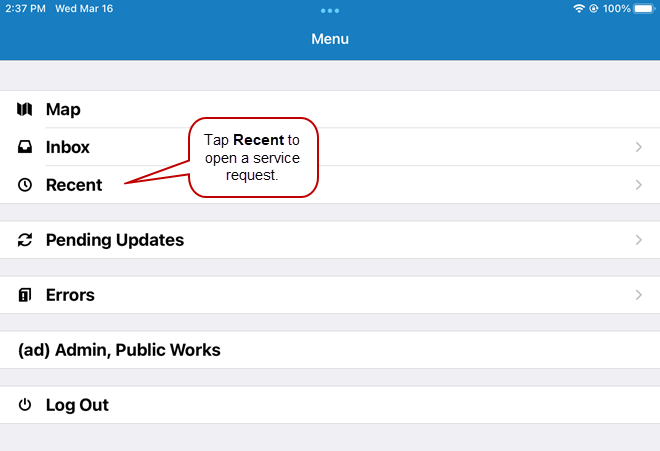
The most recent work activities opened on the device appear in the list.
- Tap the desired service request from the list.