Attach an Asset to an Existing Work Order
You can attach assets selected from the map to an existing work order.
- Open the map and select the desired assets.
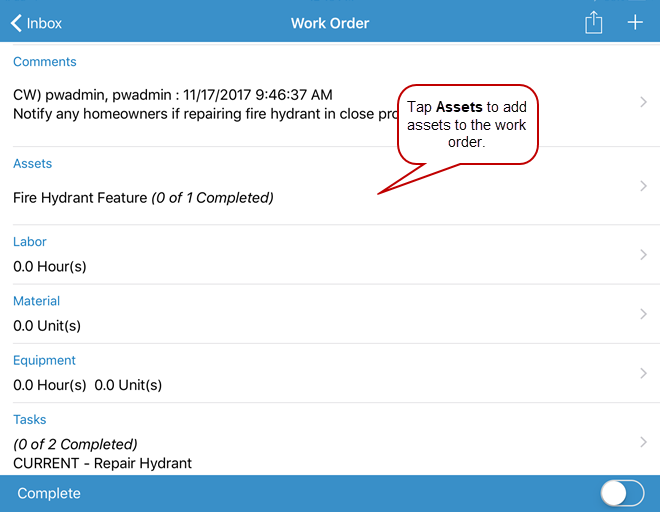
- Open the work order.
- Tap Assets.
- Tap Add From Map.
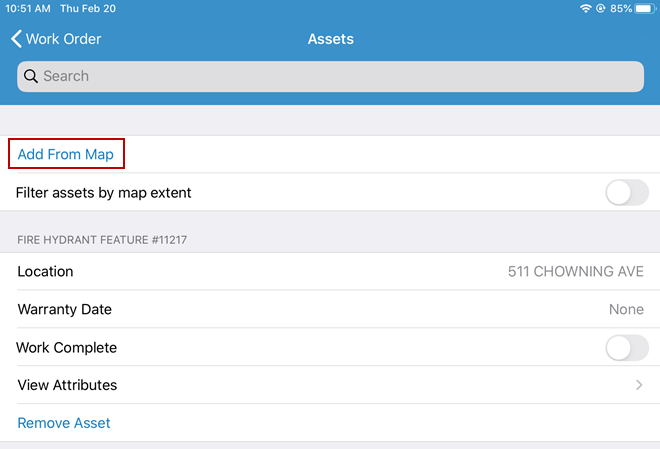
The assets are added to the work order.