Create a Child Activity
You can create child activities from assets that are attached to a work order.
- Open a work order with attached assets.
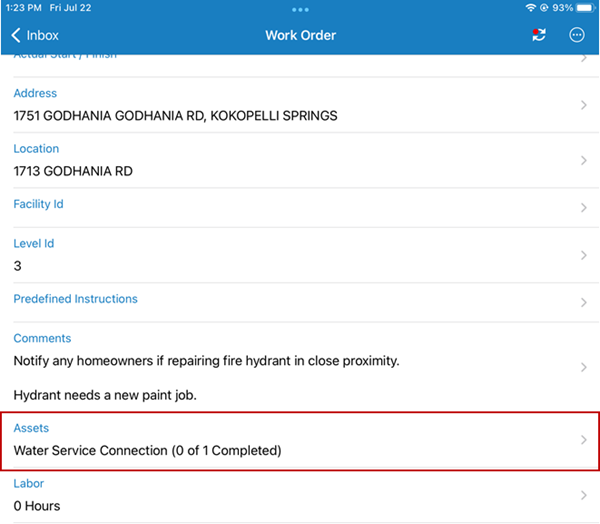
- Use any of the filters to search for the asset you want to create a child work activity on. See Search For and Filter Assets for more information.
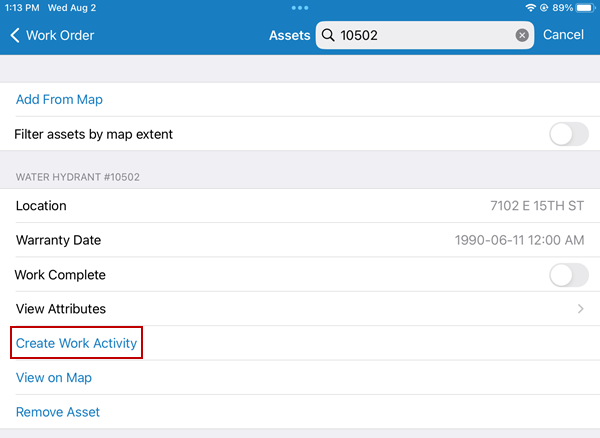
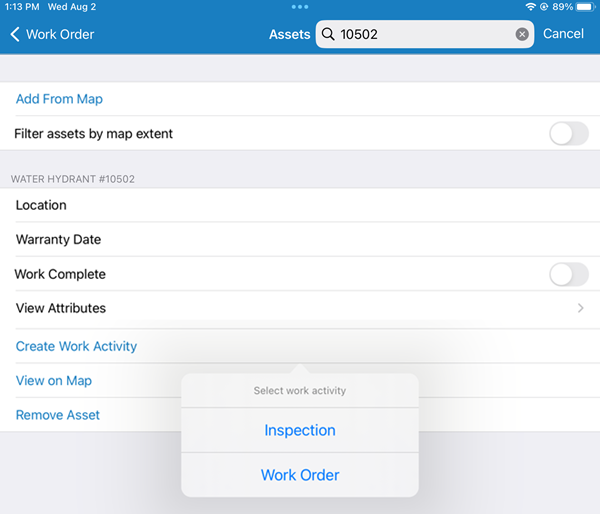
- Select the Asset Group, Assets, and Template.
-
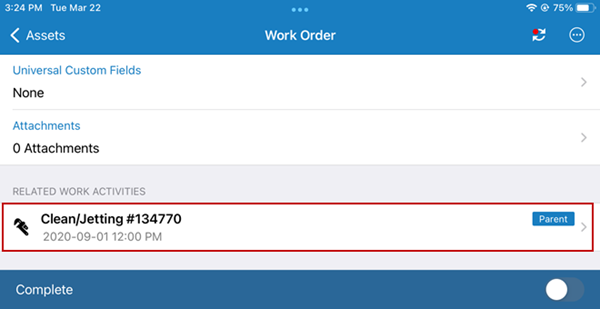
The parent work order is shown in the Related Work Activities section of the new child work activity.