Update the Core Application
Once the host is installed, it is time to log in to the host application where the core application is configured.
|
|
 PREREQUISITES:
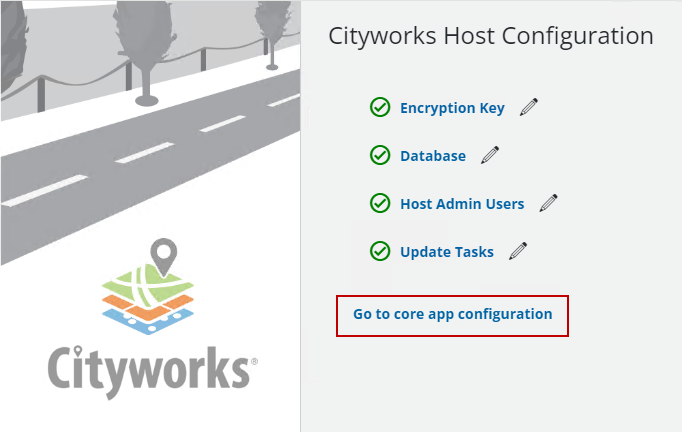
- Click Go to core app configuration.
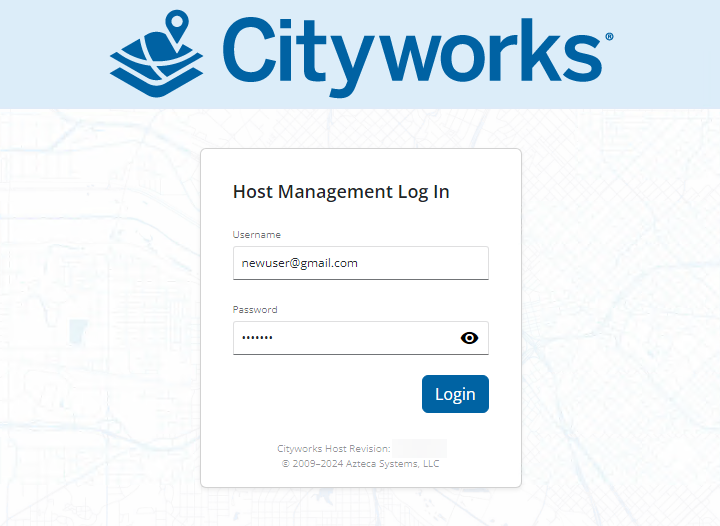
- Log in as the Host Admin User.
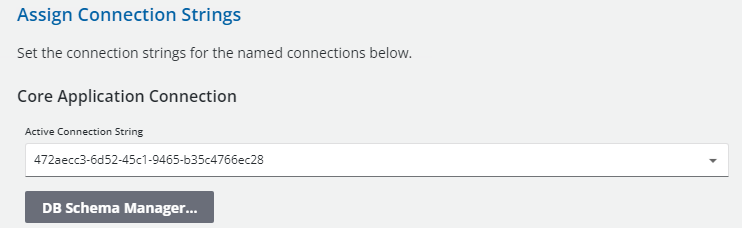
- Click the edit icon next to Database.
- Click DB Schema Manager under the Core Aplication Connection section.
This updates the existing core database tables to the latest version.
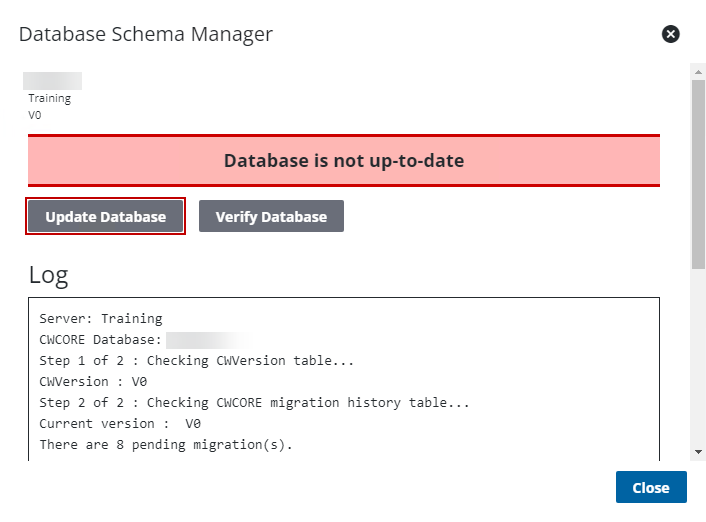
 IMPORTANT: The red Database is not up-to-date message might not appear under certain circumstances. Even if it does not appear, you still need to complete the steps to update the database.
The Database Schema Manager panel shows the progress while it checks the CWVERSION and migration history tables. The Log displays messages from Database Schema Manager. Once it's successfully completed, users receive a message indicating that the database was successfully updated. If not, the log shows where any issues were encountered. The Log also states any data migrations that need to be completed. See Data Migration Manager Guide for more information.
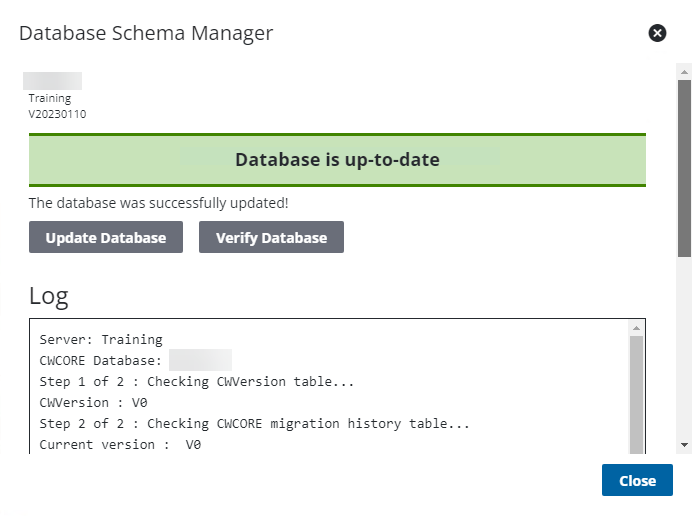
- Click Verify Database to identify any additional schema changes that need to be made. If there are any errors in the log after verifying the database, you can fix them by running the SQL scripts provided at the bottom of the log.
- Click Close.
 TIP: If you need to manually open Database Schema Manager, it can be accessed from the Cityworks 23.
- Click Return.
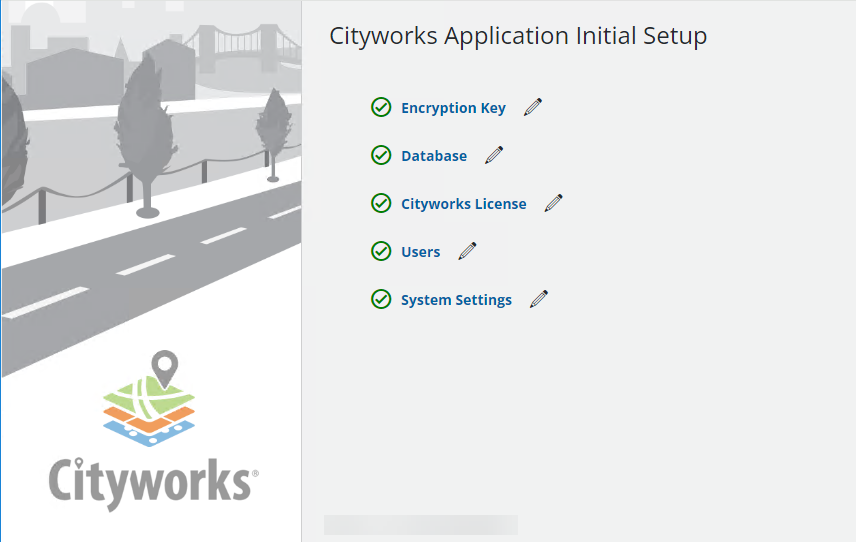
Once the database is configured, the rest of the check marks turn green.
Once a 23.x site has been installed using an existing database, users logging in via Forms Authentication need to update their password when they log in for the first time. The password only needs to be reset once when upgrading to Cityworks 23.x or newer. See