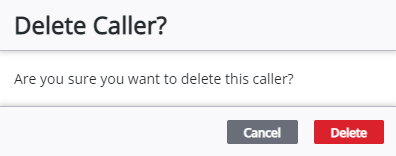
Remove a Caller
Callers that are no longer part of the service request can be removed.
 NOTE: Calls cannot be removed if the service request is closed. See Re-open a Service Request for more information.
- Open the service request.
-
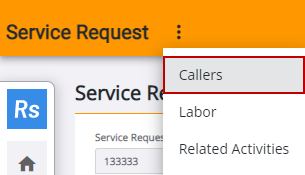
- Select the caller