Reopen a Task
The Task Utility tool can be used to find an existing case or a group of cases with tasks to reopen.
|
|
 PREREQUISITES:
- Open the Task Utility tool.
 TIP: See Update Tasks in the Task Utility Tool on MyCityworks for a quick start guide on this subject.
- Enter search criteria, such as the case number or case type, in the corresponding fields.
-
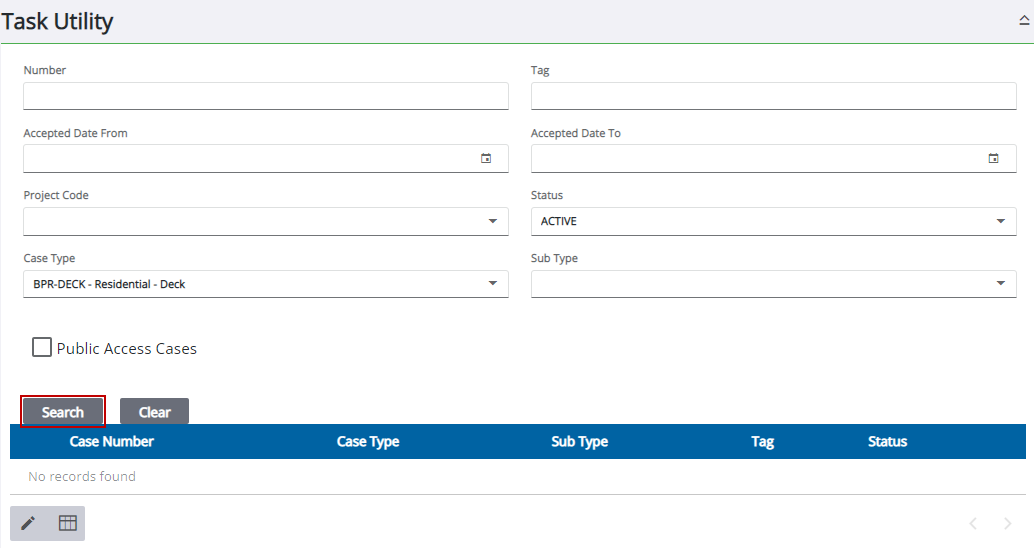
Results matching your search criteria appear below the search form.

The Task Action panel opens.
- Select the desired task(s).
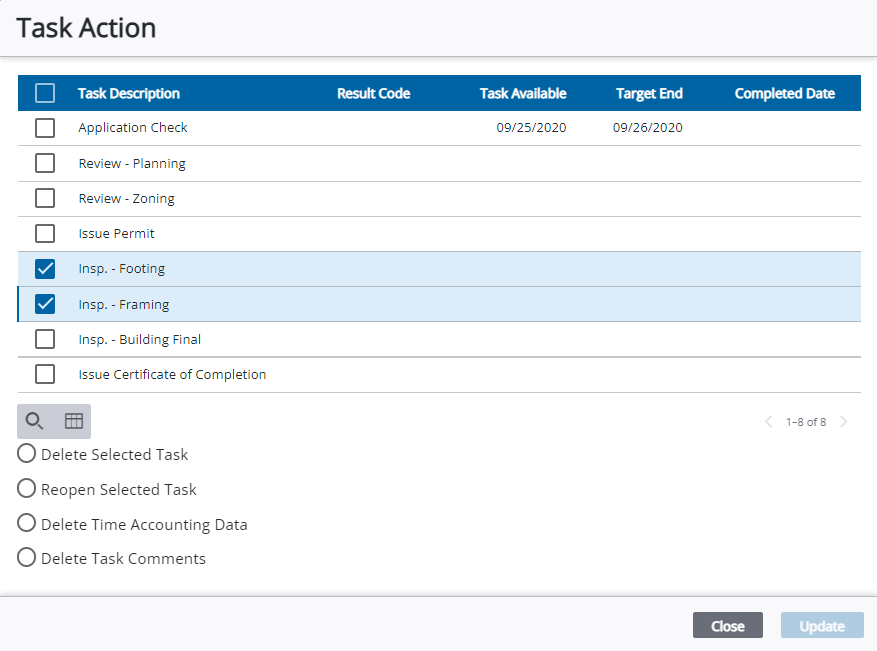
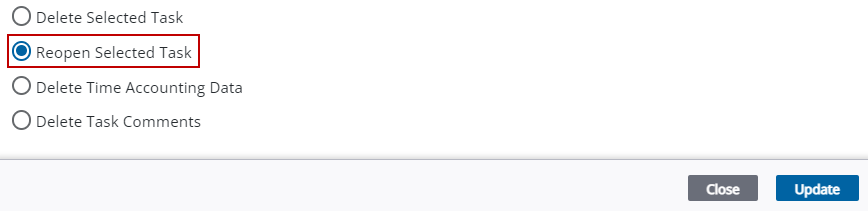
- Select Reopen Selected Task.
See Task Utility Fields or an explanation of the Task Utility panel fields.